
What to Look for in Nonprofit Case Management Software
Choosing the right nonprofit case management software can shape how effectively your organization serves clients, tracks outcomes, manages staff workflows, and reports impact to funders. Many nonprofit teams start with spreadsheets, paper files, disconnected forms, and manual follow-up processes.
Over time, those workarounds create inefficiency, data gaps, and reporting challenges. A strong case management system for nonprofit organizations helps centralize client information, improve visibility across programs, and create a more consistent service delivery process. For organizations comparing software options, the goal is not simply to adopt a new tool. It is to invest in a platform that supports real operational improvement, stronger accountability, and better client outcomes.
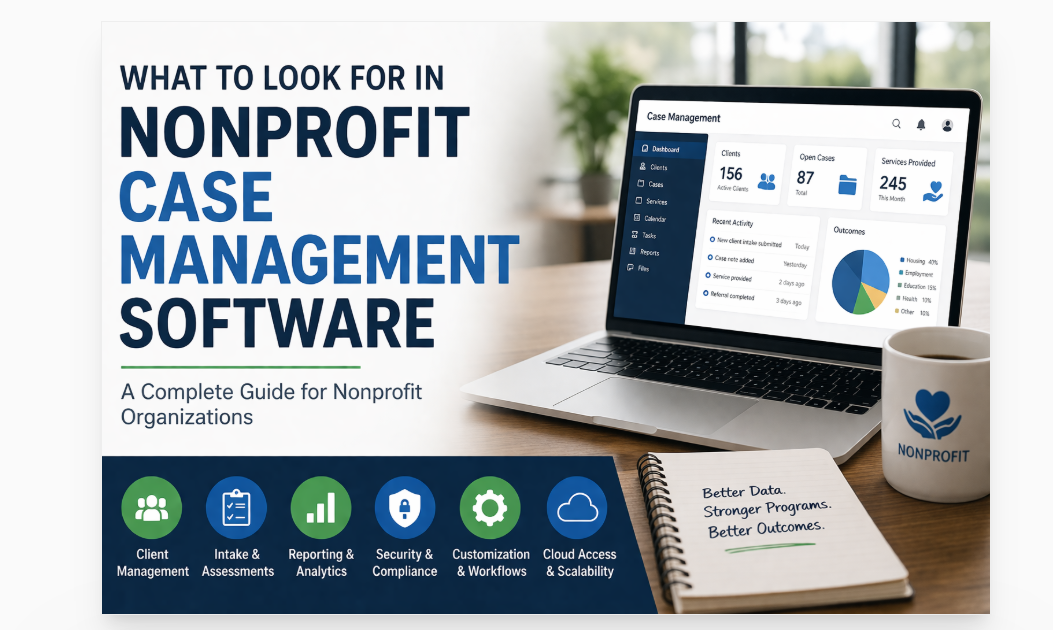
Why Nonprofits Need the Right Case Management Platform
The demands placed on nonprofit organizations continue to grow. Teams are expected to deliver high-quality services, document every interaction, protect sensitive data, coordinate referrals, monitor progress, and generate meaningful reports. Without the right nonprofit client management software, staff often spend too much time on administrative work and not enough time supporting people.
The best case management software for nonprofits creates structure around core daily activities. It improves how organizations collect intake information, document case notes, assign tasks, monitor services, and measure outcomes. It also reduces reliance on disconnected systems that make collaboration difficult and reporting slow.
- Centralizes client records, forms, documents, and notes
- Improves reporting for grants, contracts, and internal review
- Supports accountability across staff, programs, and locations
- Makes service coordination and follow-up easier to manage
- Helps organizations scale without losing visibility or control
💡All-in-one Case Management Software.
Everything in one place: clients, notes, forms, appointments, reports, and outcomes.
👉 Try it Free - No credit card needed
Core Features to Look for in Nonprofit Case Management Software
Not every platform is built for the real needs of nonprofit service delivery. Some tools focus heavily on billing. Others emphasize CRM functionality without offering the depth needed for case tracking, assessments, notes, or outcome monitoring. When evaluating nonprofit case tracking software, organizations should focus on the features that support actual frontline and administrative workflows.
Centralized Client Records
A strong system should give staff one place to view client profiles, demographics, service history, forms, notes, referrals, tasks, and uploaded documents. This reduces duplication and makes it easier for staff to act on current information.
Custom Intake and Assessment Tools
Nonprofit software with client intake forms should allow organizations to collect the exact data they need. Look for customizable forms, mapped fields, electronic signatures, mobile-friendly design, and the ability to send forms online.
Case Notes and Documentation
Documentation is a daily requirement for many teams. The platform should make it easy to add progress notes, create note templates, track interactions, and export records when needed.
Reporting and Analytics
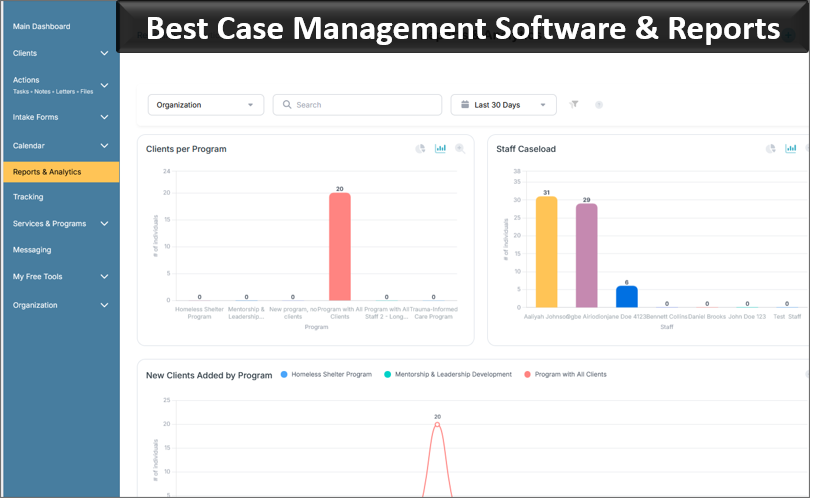
Case management software with reporting and analytics should help organizations move beyond raw data collection. Reporting tools should allow teams to track services, demographics, activity, outcomes, referrals, and program performance over time.
Task, Workflow, and Follow-Up Management
A practical system should help staff stay on top of deadlines, client follow-ups, recurring tasks, and internal accountability. Workflow support can improve consistency and reduce missed steps.
Secure Data Management
Secure case management software HIPAA compliant should provide encryption, permission controls, audit trails, and strong access management. For many nonprofits, security and compliance are not optional. They are essential.
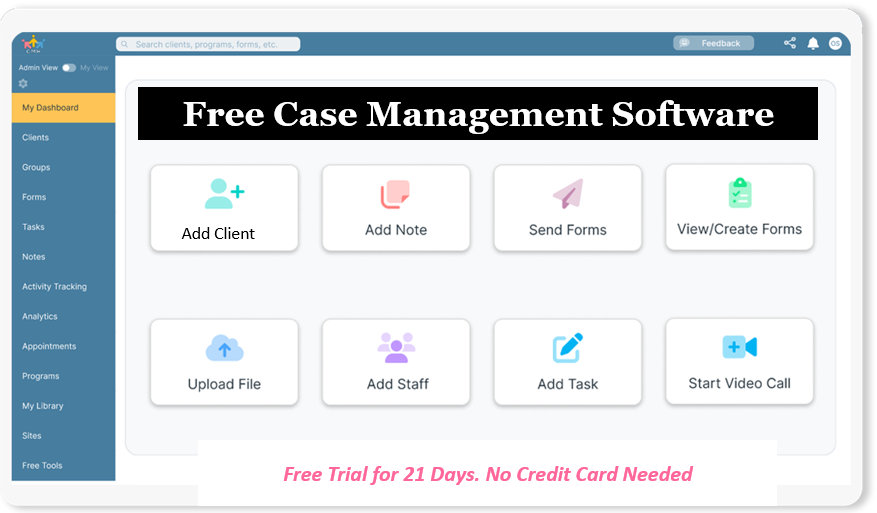
👉 Try it Free - Free Case Management System
How to Evaluate Ease of Use
Ease of use is often underestimated during software selection. A platform may look impressive during a demo, but if staff find it confusing, adoption will suffer. The best case management software for nonprofits should be intuitive for both experienced staff and less technical team members.
Usability matters because nonprofit teams often work under time pressure and across multiple roles. If a system requires too many clicks, too much training, or overly complex setup, productivity can actually decline.
- Ask how quickly a new user can learn the basics
- Review whether common tasks are easy to complete
- Check whether the dashboard is clear and organized
- Test how easily staff can find a client record, add a note, and run a report
- Look for a system that reduces training burden, not one that increases it
For organizations with volunteers, interns, program staff, supervisors, and administrative users, usability becomes even more important. A practical interface can significantly improve consistency and adoption.
The Importance of Customization for Nonprofit Workflows
No two nonprofits operate exactly the same way. A youth services organization, a housing program, a behavioral health team, and a legal aid organization may all need case management software, but their forms, data points, workflows, and reports will differ. That is why customizable case management software for nonprofits is so valuable.
Customization should not be limited to a few fields. The right system should allow organizations to align the platform with how they actually work.
- Custom forms and assessments
- Custom note templates
- Custom fields for client records
- Custom reports for program and funder requirements
- Flexible client types, statuses, and program categories
Customization also supports long-term growth. As programs evolve, organizations should not need to replace the system simply because their services expanded or reporting requirements changed.
🔥Still using spreadsheets for case management?
Switch to an all-in-one case management platform.
👉 Try it Free - No credit card needed
Reporting, Outcomes, and Impact Measurement
One of the biggest reasons organizations invest in nonprofit software for tracking outcomes and impact is the need to measure service effectiveness. Funders, leadership teams, boards, and community partners increasingly want evidence of results. A strong system helps organizations collect data consistently and turn that data into useful insights.
Look for reporting tools that support both operational oversight and strategic planning. Organizations should be able to answer practical questions quickly. How many clients were served this month? Which services were delivered most often? How many referrals were completed? Which goals were met? What outcomes improved over time?
Useful Reporting Capabilities
- Date range filtering
- Custom fields in reports
- Program-level and staff-level reporting
- Export options for Excel or PDF
- Service, referral, and goal tracking
- Outcome dashboards for leadership review
Case management software with reporting and analytics should help organizations spend less time preparing reports manually and more time using data to improve service delivery.
Security, Privacy, and Compliance Considerations
Nonprofits often handle highly sensitive information, including health details, assessments, legal documents, referral information, and personal records. That makes privacy and security a central part of software evaluation. Organizations should not treat security as a secondary issue.
Secure case management software HIPAA compliant should offer strong protections around data storage, access, and monitoring. Even organizations that are not formally regulated under HIPAA still benefit from adopting a high standard for data security and privacy.
- Confirm that data is encrypted in transit and at rest
- Review role-based permissions and user access control
- Ask whether audit logs are available
- Check backup and recovery processes
- Understand how incident response and monitoring are handled
For organizations serving vulnerable populations, strong privacy controls help protect trust while supporting responsible service delivery.
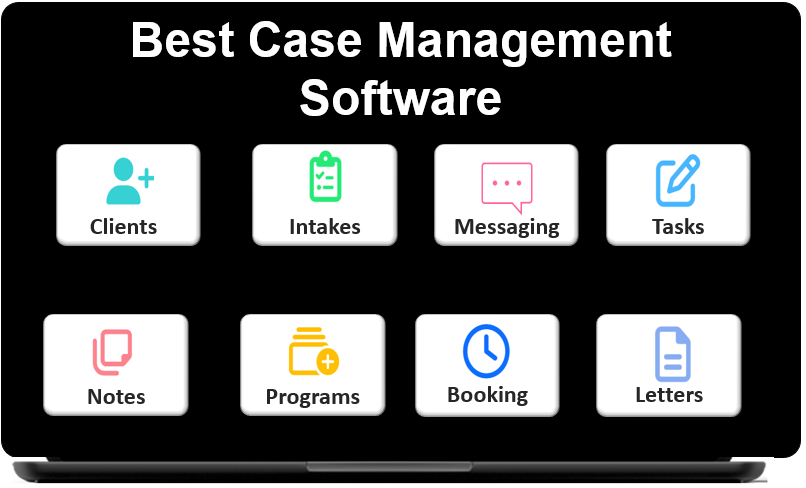 👉 Try it free today - No credit card needed
Cloud-Based Access, Mobility, and Multi-Site Coordination
A cloud-based case management software for nonprofits offers flexibility that traditional desktop-bound systems cannot match. Staff may work from offices, schools, shelters, clinics, field settings, or home offices. A modern platform should support that reality.
Cloud access makes it easier to update records in real time, coordinate across locations, and reduce dependency on local files or paper records. For organizations operating multiple programs or sites, this is especially important.
What to Look For
- Secure browser-based access from any location
- Responsive design for phones and tablets
- Multi-location support for distributed teams
- Shared visibility with appropriate permissions
- Reduced dependence on local spreadsheets and documents
For organizations trying to replace fragmented tools with a more unified system, cloud access is often a major operational advantage.
Referral Tracking, Service Coordination, and Program Visibility
Many nonprofits do more than document individual cases. They manage referrals, monitor service delivery, collaborate with partner organizations, and support clients across multiple programs. Nonprofit software for tracking referrals and services can help organizations coordinate those moving parts without losing visibility.
Referral tracking matters because services often involve multiple touchpoints. A client may need intake support, program enrollment, housing coordination, mental health services, legal referrals, and follow-up tasks. Without a structured system, it becomes difficult to monitor progress and ensure continuity.
- Track incoming and outgoing referrals
- Document service history by client and program
- Monitor open tasks and unresolved needs
- Record partner interactions and service outcomes
- Generate reports that show volume, completion, and trends
These capabilities support stronger coordination and help organizations show how services connect to outcomes.
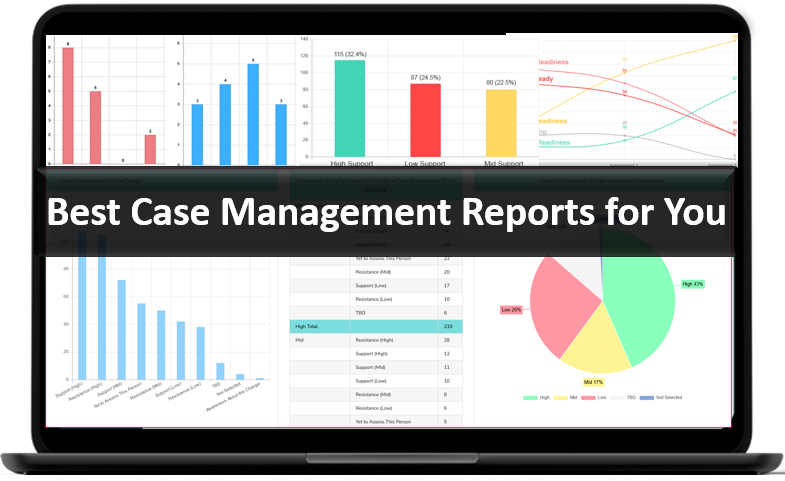
👉 Try it Free today - No credit card needed
Comparison Table: What to Evaluate Before You Choose
A nonprofit case management software comparison is easier when organizations use a structured framework. The table below highlights key evaluation areas and what to prioritize during selection.
| Evaluation Area | Why It Matters | What to Look For | Questions to Ask |
|---|---|---|---|
| Client Management | Keeps records organized and accessible | Profiles, notes, forms, documents, history | Can staff see the full client picture in one place? |
| Customization | Allows the system to fit your programs | Custom fields, forms, note templates, reports | Can we tailor this platform to our workflow? |
| Reporting | Supports grants, oversight, and decision-making | Dashboards, filters, exports, outcome tracking | Can we run the reports we actually need? |
| Security | Protects sensitive client information | Encryption, permissions, audit logs, backups | How does the system protect data and limit access? |
| Ease of Use | Affects adoption and daily productivity | Clear interface, simple navigation, low training burden | Will staff use this consistently without frustration? |
| Scalability | Supports future growth and new programs | Multi-program support, flexible setup, role management | Can this platform grow with us over time? |
Common Mistakes Organizations Should Avoid
When reviewing top case management platforms for nonprofit organizations, it is easy to focus on impressive demos while overlooking practical risks. A better evaluation process includes identifying what can go wrong.
- Choosing a platform that is too rigid for your programs
- Ignoring reporting limitations until after implementation
- Underestimating how important usability is for staff adoption
- Selecting a low-cost tool that lacks core case management functions
- Failing to plan for growth, additional programs, or future data needs
- Overlooking privacy, compliance, and permission controls
Organizations looking for affordable case management software for nonprofits should remember that value matters more than price alone. A lower-cost system may become more expensive in the long run if it creates inefficiency, weak reporting, or the need for multiple add-on tools.
👉 Try it free today - No credit card needed
How to Choose Nonprofit Case Management Software Step by Step
If your team is actively evaluating options, a simple selection process can help you compare systems more effectively and avoid rushed decisions. This is especially helpful for organizations moving from spreadsheets or paper-based workflows into a more structured digital environment.
- List the workflows your staff handle most often, such as intake, notes, referrals, tasks, reporting, and document management
- Identify the biggest pain points in your current process
- Define must-have features and secondary features
- Review whether the platform supports your service model, reporting needs, and security expectations
- Use a structured nonprofit case management software comparison to evaluate multiple options consistently
- Consider long-term fit, not just short-term convenience
For organizations wondering how to choose nonprofit case management software, the fastest way to gain clarity is to focus on daily workflows, required reporting, and future scalability. That approach makes the right choice much easier to identify.
Final Thoughts
The right all-in-one nonprofit case management solution should do more than digitize records. It should strengthen the way your organization works. From client intake and documentation to reporting, referrals, security, and staff coordination, the platform should help your team operate with greater clarity and confidence.
A strong nonprofit case management software platform can improve efficiency, support compliance, reduce administrative burden, and make outcomes easier to track and communicate. For organizations ready to replace fragmented processes with a more unified system, choosing the right platform is an investment in better service delivery and stronger organizational impact.
💡All-in-one Case Management Software.
Everything in one place: clients, notes, forms, appointments, reports, and outcomes.
👉 Try it Free - No credit card needed
FAQ: Nonprofit Case Management Software Comparison
What is nonprofit case management software?
Nonprofit case management software is a digital platform that helps organizations manage client records, case notes, intake forms, referrals, services, and reporting in one centralized system. It is designed to improve efficiency, strengthen documentation, and support better client outcomes.
What should organizations look for in nonprofit case management software?
Organizations should look for nonprofit case management software that includes client intake forms, case notes, reporting and analytics, referral tracking, secure document storage, customization, and strong privacy controls. Ease of use, scalability, and cloud-based access are also important when comparing platforms.
How do you compare nonprofit case management software options?
The best way to compare nonprofit case management software options is to evaluate core features, usability, reporting tools, customization, security, and long-term scalability. Organizations should also consider how well each platform supports their specific workflows, programs, and outcome tracking needs.
Why is reporting important in a case management system for nonprofit organizations?
Reporting is important in a case management system for nonprofit organizations because it helps teams track services, measure outcomes, monitor program performance, and prepare grant or funder reports. Strong reporting tools make it easier to turn client data into useful insights and demonstrate impact.
What features make the best case management software for nonprofits?
The best case management software for nonprofits includes centralized client management, customizable intake forms, case notes, referral tracking, outcome reporting, task management, cloud-based access, and secure data protection. A strong platform should also be flexible enough to support growth across multiple programs and locations.
Find the Right Case Management Solution for Your Organization: All-in-One Case Management Resource Center.
Note: Content on this casemanagementhub.org site is copyrighted and protected under applicable copyright laws. Read Terms of Use.
Disclaimer: Case Management Hub is an educational resource and software provider site. Our content is not medical advice. Use of this site does not create a provider-patient relationship. Read our full disclaimer here: Case Management Hub Disclaimer.