
Case Management Software Buying Guide: Questions Every Organization Should Ask
Selecting the right case management platform is a critical decision that impacts how efficiently your organization operates, how well you serve clients, and how effectively you report outcomes. With so many tools available, organizations need a structured approach to evaluate options, compare features, and choose a solution that aligns with their workflows and long-term goals.
This comprehensive guide outlines the most important questions to ask before buying case management software, along with practical insights to help you choose a system that supports scalability, compliance, and performance.
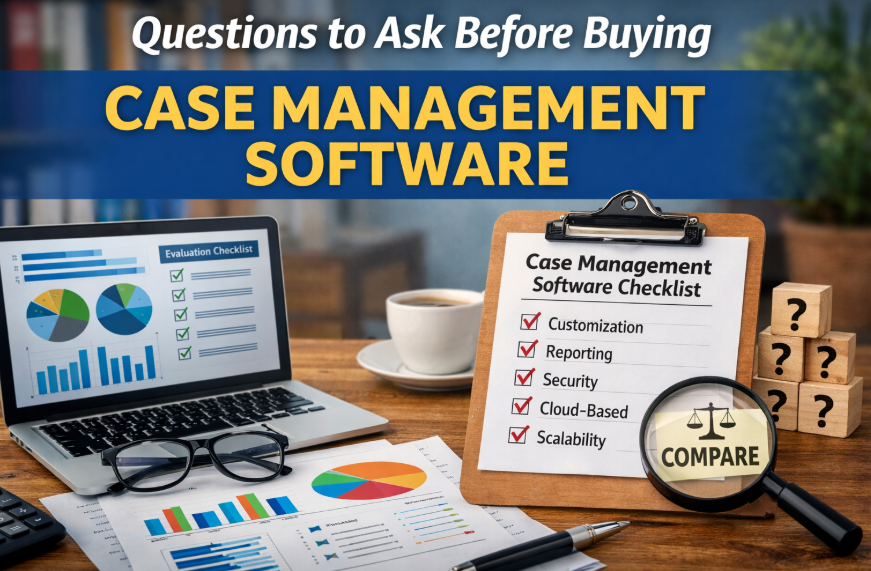
Why a Structured Evaluation Process Matters
Many organizations select software based on demos or recommendations without conducting a full evaluation. This often leads to poor adoption, limited functionality, and the need to switch platforms later.
A structured case management software buying guide helps organizations make informed decisions and avoid costly mistakes.
- Clarifies requirements before implementation
- Improves comparison across vendors
- Reduces onboarding challenges
- Supports long-term scalability
- Enhances return on investment
💡All-in-one Case Management Software.
Everything in one place: clients, notes, forms, appointments, reports, and outcomes.
👉 Try it Free - No credit card needed
What to Look for in Case Management Software
Before asking detailed questions, organizations should understand the core capabilities that define a strong system. The right platform should not only store data but also streamline workflows and improve outcomes.
- Centralized client data and documentation
- Customizable workflows and forms
- Real-time reporting and analytics
- Secure and compliant data handling
- Mobile and cloud-based accessibility
- Integration with existing tools
Using a case management software features checklist ensures that no critical functionality is overlooked during evaluation.
Core Questions to Ask Before Buying Case Management Software
1. Does the Software Fit Our Industry and Use Case?
Organizations should prioritize platforms designed for their specific sector. The best case management software for social services may differ significantly from solutions used in healthcare or legal environments.
2. How Customizable Is the Platform?
Look for customizable case management software solutions that allow you to adapt forms, workflows, and reporting to match your processes.
3. Is the System Easy for Staff to Use?
Usability directly impacts adoption. A simple and intuitive interface reduces training time and improves efficiency.
4. Can It Replace Existing Tools?
A strong digital case management system for client data and reporting should eliminate the need for spreadsheets, disconnected notes, and manual tracking.
5. What Reporting Capabilities Are Included?
Reporting is essential for tracking outcomes, securing funding, and improving programs. Ensure the platform supports custom reports and data exports.
6. Is the Software Secure and Compliant?
Organizations handling sensitive data must ensure the platform meets HIPAA compliant case management software requirements and other relevant standards.
7. Is It Cloud-Based?
Cloud-based case management software benefits include accessibility, scalability, and reduced infrastructure costs.
8. How Does It Compare to Other Systems?
Conducting a case management software comparison helps identify strengths, weaknesses, and unique features.
9. Does It Support Collaboration?
Effective case management tools for nonprofits and human services should support team collaboration, task management, and shared access to client records.
10. Can It Scale with Our Organization?
Choose a system that can grow with your organization, supporting more clients, staff, and programs over time.
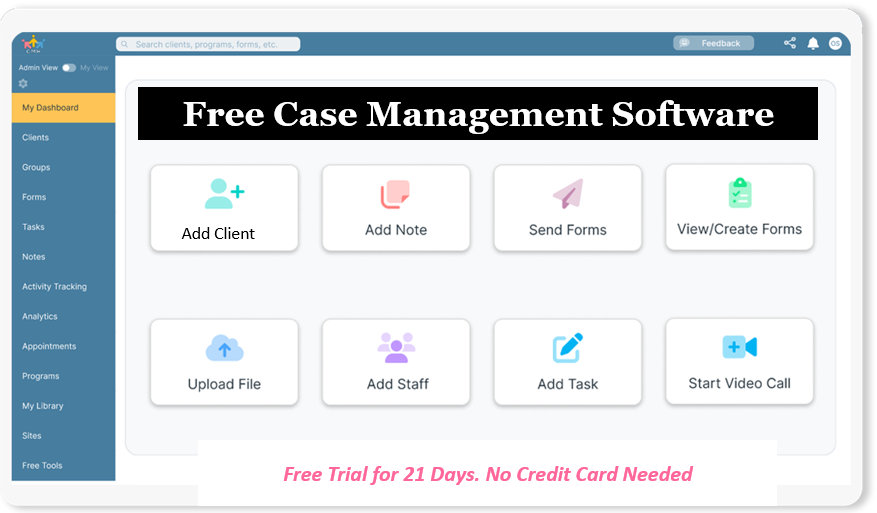
👉 Try it Free - Free Case Management System
Case Management Software Evaluation Table
Use this comparison table to evaluate and compare different platforms effectively.
| Evaluation Area | Key Questions | What to Look For | Impact |
|---|---|---|---|
| Usability | Is it easy to use? | Simple interface, quick onboarding | Higher adoption |
| Customization | Can we tailor workflows? | Flexible forms and fields | Better alignment |
| Reporting | Are reports customizable? | Exportable and real-time data | Improved insights |
| Security | Is data protected? | Compliance and encryption | Risk reduction |
| Scalability | Can it grow with us? | Multi-program support | Future-proofing |
Case Management Software vs CRM
Organizations often evaluate case management software vs CRM differences when selecting a system. While both manage data, they serve different purposes.
- Case management software focuses on service delivery, documentation, and outcomes
- CRM systems focus on relationships, sales, and pipelines
Organizations should prioritize case management platforms when their primary goal is managing client services and tracking progress.
🔥Still using spreadsheets for case management?
Switch to an all-in-one case management platform.
👉 Try it Free - No credit card needed
Common Mistakes to Avoid
Avoiding common pitfalls can significantly improve your selection process.
- Choosing software based only on cost
- Ignoring usability and staff experience
- Overlooking reporting capabilities
- Selecting systems with limited customization
- Failing to plan for growth and scalability
Final Thoughts
Selecting the best case management software for small organizations or large programs requires a thoughtful, structured approach. By asking the right questions, using a detailed evaluation checklist, and focusing on long-term needs, organizations can choose a platform that improves efficiency, strengthens reporting, and enhances client outcomes.
A well-chosen system becomes more than just software. It becomes the foundation for better service delivery, improved collaboration, and scalable growth.
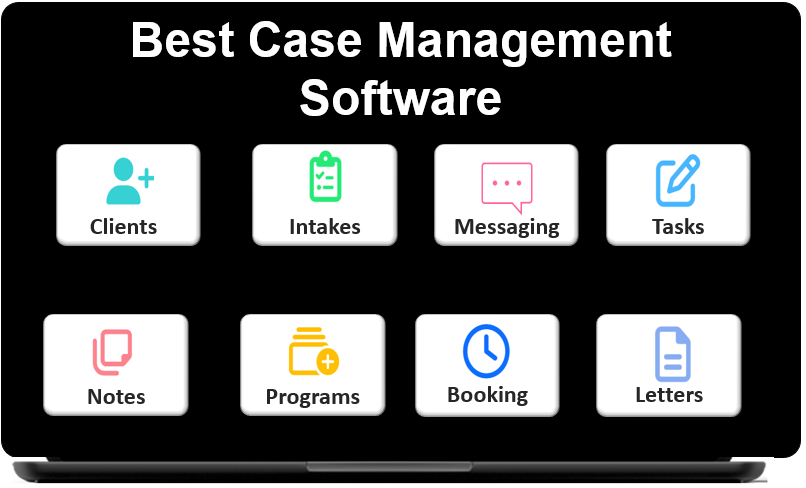 👉 Try it free today - No credit card needed
FAQ: Questions to Ask Before Buying Case Management Software
What questions should organizations ask before buying case management software?
Organizations should ask about usability, customization, reporting, security, compliance, integrations, scalability, onboarding, and support. The goal is to choose case management software that fits current workflows while supporting long-term growth.
How do you choose the best case management software for your organization?
To choose the best case management software, evaluate how well the platform matches your industry, client tracking needs, reporting requirements, and team workflows. A strong system should be easy to use, flexible, secure, and capable of scaling with your organization.
What features should a case management software buying guide include?
A case management software buying guide should include centralized client records, customizable forms, case notes, task tracking, reporting, mobile access, data security, and cloud-based functionality. These features help organizations compare platforms more effectively and avoid costly mistakes.
What is the difference between case management software and CRM?
Case management software is designed for managing client services, documentation, workflows, and outcomes, while a CRM focuses more on contacts, sales pipelines, and relationship management. Organizations delivering services usually need a dedicated case management system rather than a traditional CRM.
Why is cloud-based case management software important for nonprofits and service organizations?
Cloud-based case management software gives nonprofits and service organizations secure access to client data, notes, and reports from any location. It also supports collaboration, reduces IT overhead, and makes it easier to scale programs across teams and sites.
Find the Right Case Management Solution for Your Organization: All-in-One Case Management Resource Center.
Note: Content on this casemanagementhub.org site is copyrighted and protected under applicable copyright laws. Read Terms of Use.
Disclaimer: Case Management Hub is an educational resource and software provider site. Our content is not medical advice. Use of this site does not create a provider-patient relationship. Read our full disclaimer here: Case Management Hub Disclaimer.