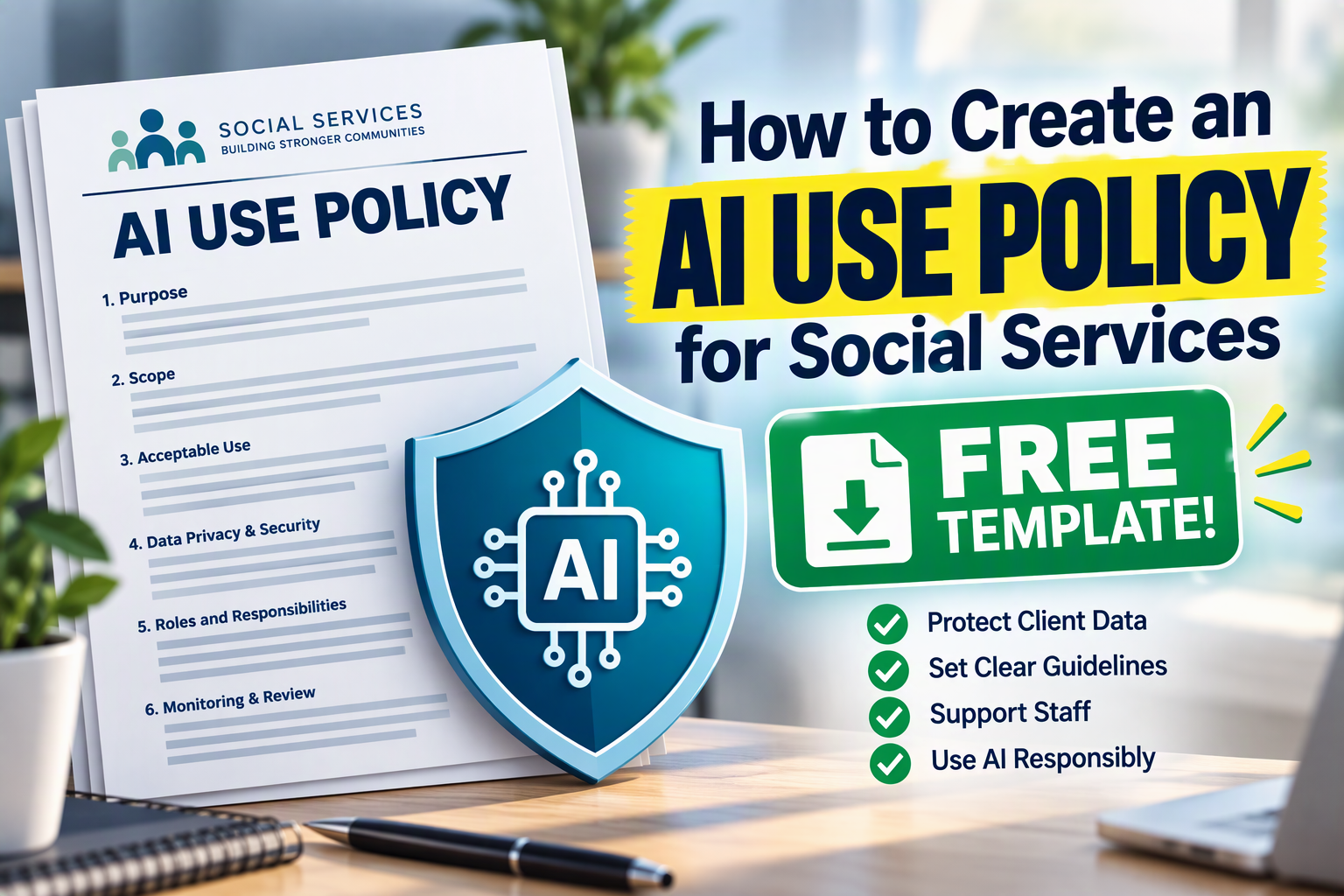
It’s Time for an AI Usage Policy for Your Nonprofit or Social Work Agency
Every social work and human services agency needs a written Artificial Intelligence (AI) Usage Policy to prevent HIPAA breaches and establish clear boundaries around clinical documentation.
An effective AI policy:
- Prohibits entering Protected Health Information (PHI) into AI tools without a signed Business Associate Agreement (BAA)
- Mandates written client consent for AI-assisted session recording
- Requires human-in-the-loop review of all AI outputs
- Requires maintaining an approved-software whitelist
If your agency does not have a written AI usage policy yet, the following could be happening right now:
- Overwhelmed case managers pasting client notes into public AI tools – creating a potential HIPAA violation
- Staff using inefficient spreadsheets and avoiding safe productivity tools out of fear
Need help avoiding those risks? Below, you will find the five non-negotiable rules every human services AI policy should include, followed by a complete, copy-and-paste Agency AI Usage Policy template you can customize for your organization today.
Watch this video:
or
read the guide below.
Why Your Agency Needs a Formal AI Policy Now
Even if your leadership team has not officially adopted AI software, individual staff members frequently use consumer generative AI tools on personal or work devices. This is a trend compliance officers call “shadow AI.” Without clear written guardrails, well-intentioned staff can inadvertently violate confidentiality or ethical standards in seconds:
-
Accidental PHI Exposure: Typing a client’s name, birth date, medical history, or unique case details into a non-HIPAA-compliant chatbot transmits Protected Health Information to an unapproved third party.
-
Evolving State Disclosure Laws: A growing number of states now restrict how licensed clinicians use AI in therapy and casework, requiring explicit written notice and client consent before AI is used to record or transcribe sessions—and prohibiting AI from making independent clinical or treatment decisions.
-
Documentation Hallucinations & Bias: Generative models can fabricate clinical details (“hallucinations”) or amplify racial, socioeconomic, and disability biases when summarizing assessments if a trained professional does not carefully audit the output.
If you are still evaluating where technology fits into your practice, start with our foundational overview on whether AI is ready for social work before rolling out new tools.
💡All-in-one Case Management Software.
Everything in one place: clients, notes, forms, appointments, reports, and outcomes.
👉 Try it Free - No credit card needed
Approved vs. Prohibited AI Uses in Social Services
Before drafting your policy, align your leadership team on where AI is permitted as an administrative helper and where it is strictly off-limits.
| Workflow Category | Permitted (With Safeguards) | Strictly Prohibited |
| Client Intake & Assessments | Using pre-built digital intake forms and validated screening tools inside secure case management software. | Allowing an AI chatbot to conduct unsupervised client intakes, diagnose conditions, or determine service eligibility. |
| Progress Notes (SOAP, DAP, BIRP) | Using a HIPAA-compliant, BAA-covered tool to structure drafts followed by full clinician review, editing, and sign-off. | Pasting client names, dates, or identifiable session details into free consumer AI platforms (e.g., public ChatGPT, Gemini, or Claude accounts). |
| Session Transcription | Using an agency-approved ambient scribe only after obtaining documented written client consent and confirming a signed BAA. | Recording or transcribing client sessions without explicit written permission or using consumer voice-to-text apps. |
| Resource Navigation & Admin | Drafting generic community resource directories, grant templates, or outreach flyers containing zero client data. | Uploading spreadsheets of client demographics, housing records, or referral histories into unapproved AI tools for analysis. |
| Treatment & Service Plans | Reviewing evidence-based intervention frameworks using de-identified case scenarios. | Letting AI generate or finalize client treatment plans without direct clinical formulation and client collaboration. |
🔥Still using spreadsheets for case management?
Switch to an all-in-one case management platform.
👉 Try it Free - No credit card needed
The 5 Non-Negotiable Pillars of an Ethical Social Work AI Policy
To align with HIPAA privacy standards and the NASW Code of Ethics, your written policy should enforce five core rules:
1) Zero PHI Without a Signed BAA
Staff may never enter Protected Health Information or Personally Identifiable Information (PII) into any AI platform unless the agency has vetted the vendor, verified end-to-end encryption, and executed a formal Business Associate Agreement (BAA).
2) Strict De-Identification Standards
When using approved general-purpose AI tools for administrative brainstorming or summarizing public policy, staff must strip all 18 HIPAA identifiers (names, geographic subdivisions smaller than a state, dates, phone numbers, case numbers, etc.) before inputting text.
3) Human-in-the-Loop Accountability
AI never replaces professional judgment. Every progress note, letter, or summary assisted by technology must be thoroughly reviewed, corrected for accuracy, and signed by the responsible social worker or case manager, who retains 100% legal and ethical accountability for the record.
4) Client Transparency & Informed Consent
Clients have a right to know when technology is involved in their care. Your intake packet should include clear, plain-language disclosure—alongside your standard HIPAA authorization and release forms—giving clients the option to opt out without affecting their access to services.
5) Algorithmic Bias & Cultural Humility Review
Staff must actively inspect AI-generated text for stigmatizing language, cultural blind spots, or deficit-based framing, ensuring all documentation reflects person-centered, strengths-based social work values.
Switch to an all-in-one case management platform.
👉 Try it Free - No credit card needed
Copy-and-Paste Template: Social Work & Nonprofit AI Usage Policy
Copy the template below into your agency’s policy manual, customize the bracketed fields and policy details to fit your needs. Then, have all staff members review and sign the acknowledgment section during onboarding and annual compliance training.
Tip: If you’re using the Case Management Hub software, you can create this as a digital staff form with signature.
[Agency Name] Artificial Intelligence (AI) & Automated Tools Usage Policy
Effective Date: [Month Day, Year]
Policy Owner: [Clinical Director / Compliance Officer Name & Title]
Applies To: All employees, clinical staff, case managers, interns, volunteers, and contractors
1. Purpose & Scope
This policy establishes ethical, legal, and privacy standards for the use of Artificial Intelligence (AI) and generative technology at [Agency Name]. Our goal is to protect client confidentiality, uphold NASW ethical standards, maintain full compliance with HIPAA and applicable state laws, and ensure technology supports, never replaces, human judgment and therapeutic relationships.
2. Approved vs. Unauthorized AI Tools
-
Staff may only use AI tools and software features explicitly vetted and listed on [Agency Name]’s Approved Software List maintained by [IT / Compliance Lead].
-
Staff are strictly prohibited from using unapproved public or consumer AI tools (including personal accounts on ChatGPT, Claude, Gemini, Copilot, or third-party transcription apps) for client-related work.
-
No AI vendor may process client records or session audio unless [Agency Name] has executed a formal Business Associate Agreement (BAA) and confirmed compliance with HIPAA Security and Privacy Rules.
3. Client Privacy & De-Identification Rules
-
Zero PHI in Public Tools: Under no circumstances may staff enter Protected Health Information (PHI) or Personally Identifiable Information (PII)—including client names, dates of birth, addresses, phone numbers, email addresses, Social Security numbers, case numbers, or unique life circumstances—into any AI tool lacking a signed BAA.
-
De-Identification Requirement: If using an approved tool for non-clinical tasks (such as drafting generic resource guides or summarizing public grant guidelines), all 18 HIPAA identifiers must be completely removed prior to input.
-
Training Opt-Out: Approved AI tools must be configured so client data and agency prompts are never used to train public or third-party foundation models.
4. Clinical Judgment & Human-in-the-Loop Accountability
-
No Autonomous Clinical Decisions: AI tools may never be used to diagnose clients, determine program eligibility, conduct unsupervised crisis triage, or interact directly with clients as a counselor or case manager.
-
Mandatory Clinician Review: When an approved tool is used to assist with administrative drafting or note formatting, the assigned social worker or case manager must review every word for clinical accuracy, remove any fabricated or inaccurate statements (“hallucinations”), and verify that the record reflects their direct professional assessment.
-
Full Professional Ownership: The signing practitioner bears sole ethical and legal responsibility for all finalized client documentation.
5. Client Transparency & Informed Consent
-
[Agency Name] believes in full transparency with the individuals and families we serve.
-
If an approved AI tool is used to assist with session transcription, documentation, or care coordination, staff must provide plain-language written notice and obtain documented written informed consent from the client (or legal guardian) prior to use.
-
Clients may decline or revoke consent for AI-assisted tools at any time without penalty or disruption to their services.
6. Bias Mitigation & Cultural Humility
-
AI systems can reflect societal, racial, gender, and disability biases present in their training data.
-
Staff must review all AI-assisted outputs through a lens of cultural humility and anti-oppressive practice, replacing stigmatizing or deficit-focused phrasing with objective, strengths-based language.
7. Incident Reporting & Policy Enforcement
-
Any suspected entry of client data into an unapproved AI tool must be reported immediately to [Compliance Officer Name / Email] within [24 hours] so privacy risk assessments and required HIPAA breach notifications can be evaluated.
-
Violations of this policy may result in corrective action, revocation of system access, or disciplinary measures up to termination, in accordance with [Agency Name] HR policies.
Staff Acknowledgment
I have read, understood, and agree to comply with [Agency Name]’s Artificial Intelligence Usage Policy. I understand my obligation to protect client confidentiality and maintain human oversight over all client records.
Staff Member Name: ___________________________________
Role / Title: __________________________________________
Signature: _________________________ Date: ____________
💡All-in-one Case Management Software.
Everything in one place: clients, notes, forms, appointments, reports, and outcomes.
👉 Try it Free - No credit card needed
How to Roll Out Your AI Policy Without Creating Fear
Introducing a new compliance policy works best when paired with practical workflow support so staff do not feel forced to choose between falling behind on paperwork and breaking the rules:
-
Host a 30-Minute All-Staff Walkthrough: Walk through concrete “do this, not that” examples using real agency scenarios (such as summarizing community resources vs. writing progress notes).
-
Give Staff Faster, Compliant Documentation Templates: Most risky AI shortcuts happen because clinicians are staring at a blank screen at 5:00 PM. Equipping your team with structured SOAP, DAP, BIRP, and GIRP case note templates and free social work forms cuts documentation time dramatically without exposing client data.
-
Schedule a 6-Month Policy Review: Because state behavioral health AI regulations and federal guidance continue to evolve rapidly, calendar a semi-annual compliance check with your leadership team.
🔥Still using spreadsheets for case management?
Switch to an all-in-one case management platform.
👉 Try it Free - No credit card needed
Keep Documentation Fast, Secure, and Audit-Ready
The safest way to prevent unapproved AI shortcuts is to give your team an intuitive, all-in-one system where intake forms, progress notes, assessments, and outcome reports are already structured and ready to use.
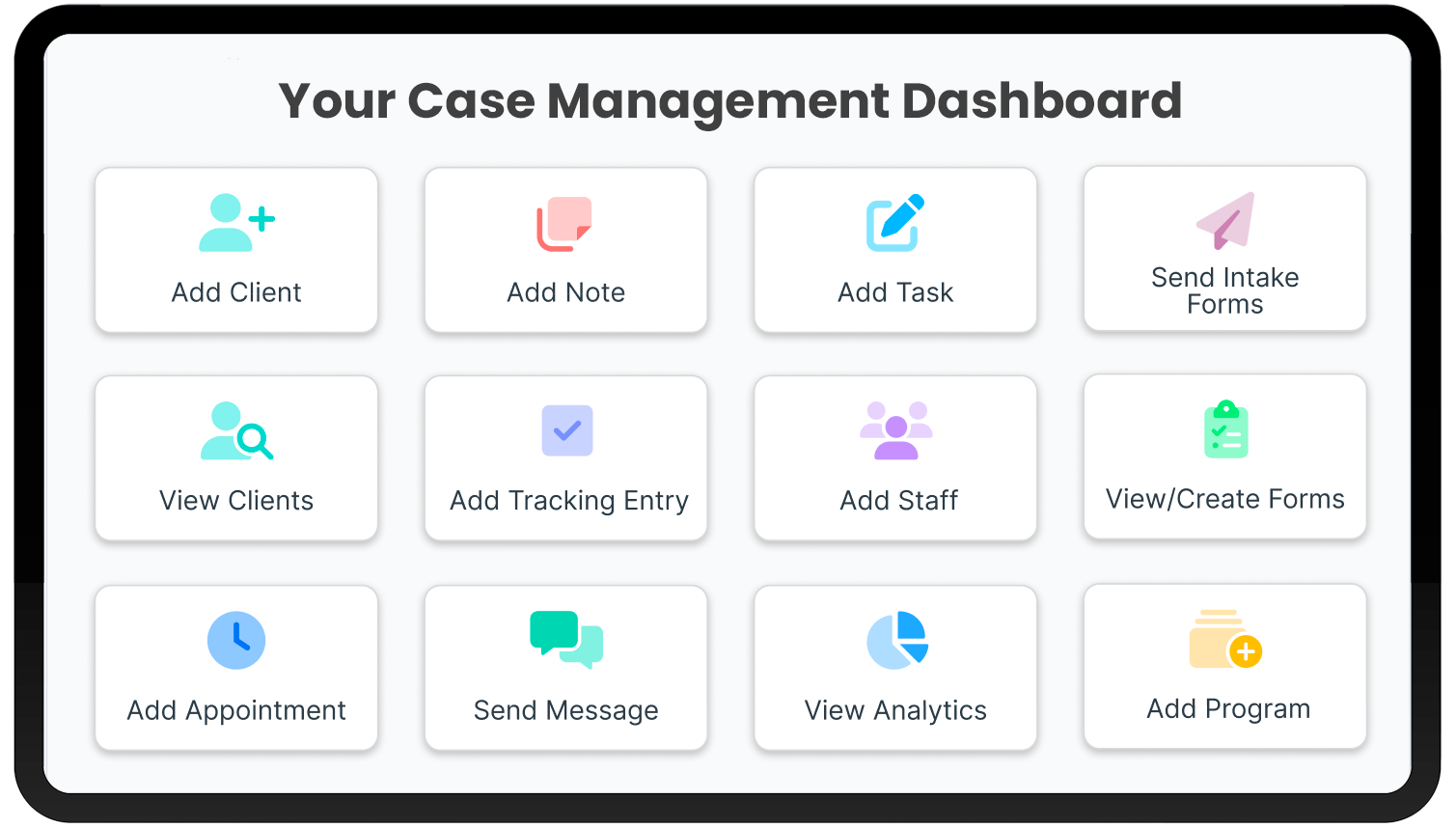
Social Work Portal’s Case Management Hub gives nonprofits, social workers, and human services teams HIPAA-compliant workflows, role-based access controls, and standardized documentation templates in one secure platform. Start your free 21-day trial today (no credit card required) and see how much time your team saves without compromising client privacy.
Switch to an all-in-one case management platform.
👉 Try it Free - No credit card needed
Social Work AI Policy FAQ
Is ChatGPT HIPAA compliant for social workers?
Not unless your organization has an account that provides a Business Associate Agreement (BAA). Standard consumer and free versions of ChatGPT, Claude, and Gemini are typically not HIPAA compliant because they do not include a signed BAA and may retain inputs for system monitoring or training.
Do social workers need client consent to use AI for case notes?
Yes, in most clinical and human services settings. Also, it is legally required in a growing number of states whenever AI is used to record, transcribe, or process session audio. Even where state law does not explicitly mandate a separate form, obtaining written informed consent aligns with NASW transparency standards and protects client trust.
Can AI write a biopsychosocial assessment or treatment plan?
AI cannot conduct clinical interviews, evaluate environmental and cultural context, or formulate an individualized treatment plan. At most, an agency-approved, HIPAA-compliant tool may help format notes dictated or entered by a licensed professional. Even then, the clinician must thoroughly verify, edit, and sign the final assessment.
What else can help if I'm not using AI?
Social work templates, form templates, and custom note templates can make a big difference in time spent on administrative tasks. Software like Case Management Hub provides these and other automations to make your life easier - without the risk of AI.
All-in-One Case Management Software
Sign Up Today, Free. No credit card needed!
|
Do You Have a Team? |
||
Note: Content on this website (casemanagementhub.org) is copyrighted and protected under applicable copyright laws. Unauthorized reproduction, distribution, or use of any content from the website, without explicit written permission, is strictly prohibited. Read: Terms of Use.
Case Management Hub Disclaimer: Case Management Hub is not a health care agency and we do not refer social workers, medical workers, mental health specialists, or any professionals. This web site is provided for educational and informational purposes only and does not constitute providing medical advice or professional social, human services, and healthcare services. The information provided should not be used for diagnosing or treating a health problem or disease, and those seeking personal medical advice should consult with ... Read our full disclaimer here: Disclaimer.