
How to Replace Spreadsheets with a Case Management System: Step-by-Step Migration Guide
Many organizations start with Excel or other spreadsheets because they are familiar, inexpensive, and easy to set up. Over time, however, spreadsheet-based tracking becomes harder to manage. Files multiply, reporting takes longer, staff members work from different versions, and important client information becomes difficult to find. When this happens, organizations often realize they need a more structured and scalable solution.
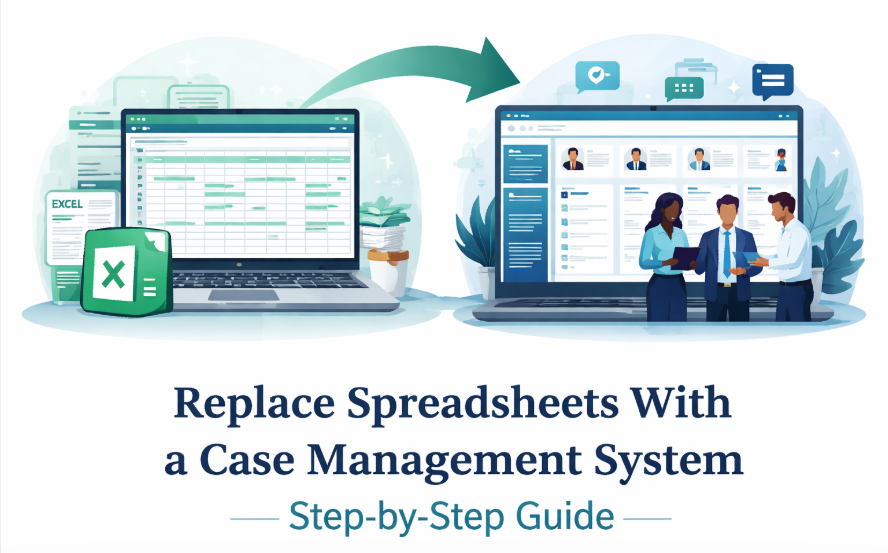
A modern case management platform gives organizations a centralized way to manage client records, case notes, tasks, forms, reporting, and outcomes. This guide explains how to replace spreadsheets with case management software using a practical, step-by-step process.
It also outlines the most common migration mistakes to avoid, how to prepare your team, and what to look for in a platform if you want a smoother transition from Excel to a case management system.
Why Organizations Outgrow Spreadsheet-Based Case Tracking
Spreadsheets can support basic data entry, but they are not designed to support the full demands of case management. Once an organization begins managing more clients, more programs, more staff members, and more reporting requirements, spreadsheet-based workflows often become a barrier to efficiency and service quality.
This is one reason many organizations begin searching for a case management system migration guide or a step-by-step guide to migrating from spreadsheets to case management software. They are no longer looking for a temporary fix. They are looking for a long-term operational upgrade.
Common signs your current process is no longer working
- Client information is stored across multiple spreadsheets, documents, and email threads
- Staff members accidentally work from outdated files or duplicate records
- Reports take too long to compile and often require manual cleanup
- Supervisors have limited visibility into caseloads, follow-ups, and outcomes
- Sensitive client data is harder to secure and monitor properly
- Growth across programs or locations is creating process inconsistencies
Why spreadsheets fail for case management workflows
The core problem is that spreadsheets are not purpose-built for case management. They do not naturally support intake workflows, secure documentation, task reminders, audit trails, collaboration, or outcome tracking. What begins as a simple system quickly turns into a patchwork of manual workarounds. That is why the move from Excel to case management software is often less about preference and more about necessity.
💡All-in-one Case Management Software.
Everything in one place: clients, notes, forms, appointments, reports, and outcomes.
👉 Try it Free - No credit card needed
What Changes When You Replace Spreadsheets with Case Management Software
Replacing spreadsheets with case management software changes more than where data is stored. It changes how information flows through your organization. Instead of entering data in one file, copying it to another, and emailing updates to staff, you shift to a centralized case management system for client data and reporting.
This transition supports stronger collaboration, better data quality, and more consistent service delivery. It also makes it easier to scale operations without increasing administrative burden at the same rate.
Key operational improvements
- One place for client profiles, case notes, documents, and service history
- Built-in forms, task tracking, reminders, and workflow support
- More accurate reporting with less manual work
- Better visibility into outcomes, compliance, and team activity
- Easier onboarding for new staff because processes are more structured
For organizations comparing manual tracking with a digital system, the best way to replace manual case tracking with software is to think beyond simple record storage. The goal is not just to digitize old habits. The goal is to build a better operating model.
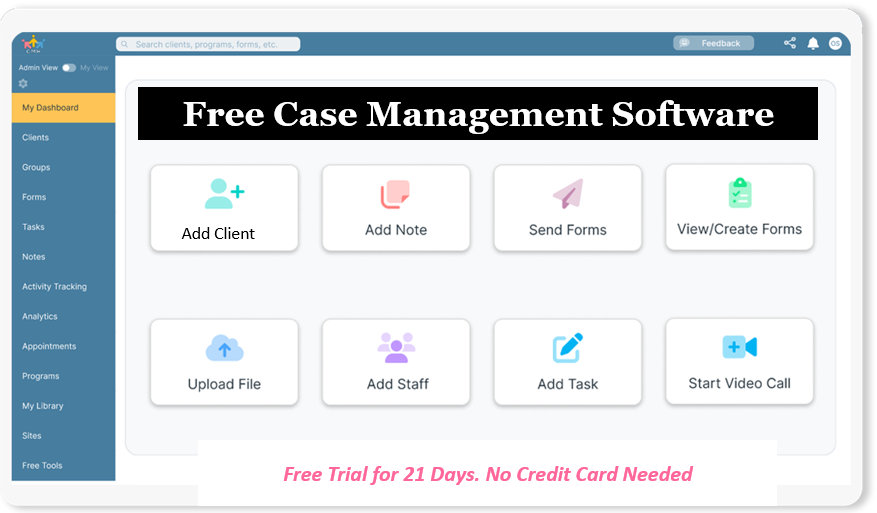
👉 Try it Free - Free Case Management System
Step 1: Audit Your Current Spreadsheet Environment
Before selecting a platform or starting a data migration, audit your current spreadsheet environment. This gives you a clear picture of what you have, what you actually use, and what should be carried into the new system.
What to review
- All active spreadsheets used for client tracking, services, notes, referrals, and reporting
- Who uses each file and how often
- Which fields are essential and which are outdated or duplicated
- How data moves from one spreadsheet to another
- Which workflows depend on manual follow-up or staff memory
Questions to answer during the audit
- Which spreadsheets contain client data that must be preserved?
- Which spreadsheets exist only because the current process lacks better tools?
- Where do reporting delays or errors usually happen?
- Which data fields are most important for case tracking and outcomes?
This first step is essential because many organizations discover they are maintaining more files, tabs, and duplicate records than expected. A thorough audit makes the spreadsheet to case management system data migration process much more manageable later.
Step 2: Define Your Requirements Before Choosing a Platform
A successful move from spreadsheets to a case management platform starts with clearly defined requirements. Organizations that skip this step often choose software based on surface-level features rather than operational fit.
Your platform should solve real workflow problems, not just provide a prettier interface for the same issues. It should also support future growth so that you do not need another migration too soon.
Core capabilities to prioritize
- Client intake and data collection
- Case notes and documentation
- Task management and reminders
- Custom forms and fields
- Reporting and analytics
- Permissions, privacy, and security controls
- Excel import and data mapping tools
What growing organizations should also evaluate
- Support for multiple programs or locations
- Scalability for higher caseloads and additional users
- Ease of training and staff adoption
- Ability to centralize client data from spreadsheets into one system
This is where many organizations begin searching for a scalable case management platform for growing organizations or cloud-based case management software for replacing spreadsheets. The right system should support both current needs and future complexity.
🔥Still using spreadsheets for case management?
Switch to an all-in-one case management platform.
👉 Try it Free - No credit card needed
Step 3: Clean and Standardize Your Data Before Migration
Data cleanup is one of the most important parts of a migration, yet it is often underestimated. If inconsistent or duplicate data is imported into a new system, the new platform can quickly inherit the same problems that made spreadsheets difficult in the first place.
Common data issues to fix before import
- Duplicate client records
- Inconsistent date formats
- Different spellings or labels for the same service or program
- Blank required fields
- Mixed data in single columns, such as names and notes combined together
A practical data cleanup process
- Export or consolidate all active spreadsheet data into a working file
- Remove obvious duplicates and archived records that no longer need migration
- Standardize naming conventions, date fields, categories, and statuses
- Identify any fields that should become notes, tags, or custom fields in the new system
- Create a final migration-ready spreadsheet with consistent headers
Organizations that invest time in this phase usually experience a much smoother case management software with data import from Excel setup. Clean data also improves reporting accuracy from day one.
Step 4: Map Spreadsheet Fields to the New Case Management System
Once your data is cleaned, map each spreadsheet field to its destination inside the new platform. This process is what turns raw spreadsheet columns into usable records, notes, statuses, forms, and reports in the new system.
Examples of how field mapping works
- Client name columns map to the client profile
- Program or service categories map to tags, services, or program assignments
- Progress comments map to case notes or activity logs
- Dates of service map to service records or timeline entries
- Custom spreadsheet columns may become custom fields in the new platform
This step is especially important when transitioning from Excel to a case management platform with custom workflows. If you rush through the mapping process, you may end up with records that are technically imported but difficult to use in practice.
Best practices for mapping
- Use clear field definitions before import
- Keep naming consistent across modules
- Separate historical notes from active workflow fields
- Document the mapping logic for future reference
Step 5: Test the Migration Before Going Live
A full migration should never begin with all data at once. Instead, test the import with a small sample first. This allows your team to confirm that records display correctly, notes are readable, reports function as expected, and workflows behave the way they should.
What to validate in a test migration
- Client profiles contain the correct data in the right fields
- Historical notes are attached properly
- Dates, categories, and statuses appear consistently
- Reports pull accurate results
- No sensitive data is exposed to the wrong roles or permission levels
Testing is one of the most practical parts of any case management system migration guide because it prevents costly cleanup after launch. It also helps build staff confidence before the organization fully transitions away from spreadsheets.
Step 6: Train Staff and Prepare for Adoption
Technology alone does not create a successful migration. Adoption matters just as much as implementation. Staff members need to understand not only how to use the new system, but also why the organization is making the change.
For many teams, the move from spreadsheets to a centralized platform feels significant because it changes habits they have used for years. That is why training should be practical, role-specific, and tied to everyday tasks.
What effective training should include
- How to find and update client records
- How to enter notes, tasks, and service information
- How to run key reports
- How permissions and access work
- What processes should no longer happen in spreadsheets
How to reduce resistance to change
- Show staff how the new system saves time on common tasks
- Provide quick-reference guides for core workflows
- Identify internal champions who can support peers
- Set a clear date for ending spreadsheet-based tracking
The most successful organizations treat adoption as an operational change initiative, not just a software rollout.
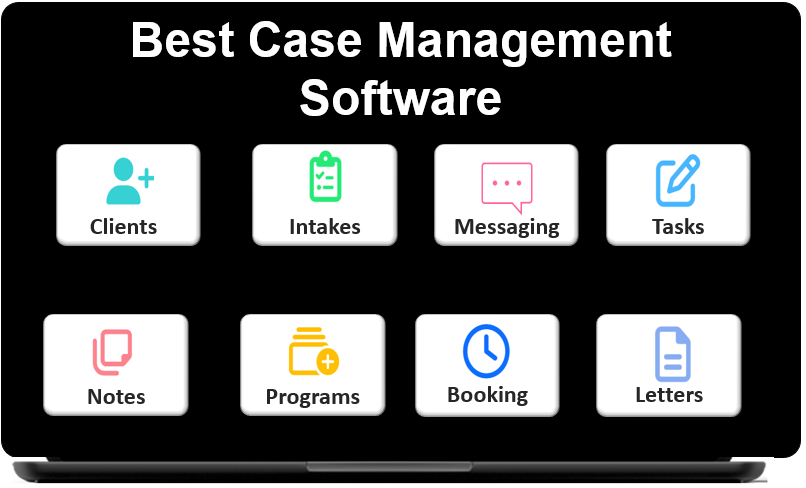 👉 Try it free today - No credit card needed
Spreadsheet vs Case Management System Comparison
A direct comparison makes the value of migration easier to see. While spreadsheets may appear flexible at first, a dedicated platform offers stronger structure, consistency, and reporting support. For organizations comparing case management vs spreadsheet tracking, the biggest difference is that one depends on manual effort while the other is designed for coordinated case work.
| Area | Spreadsheets | Case Management System | Operational Impact |
|---|---|---|---|
| Client Data | Scattered across files and tabs | Centralized in one platform | Faster access and better consistency |
| Reporting | Manual formulas and cleanup | Structured, filterable, and automated | Less admin time and stronger visibility |
| Workflow Management | Mostly manual | Tasks, reminders, and process support | Better follow-through and fewer gaps |
| Scalability | Harder to manage as data grows | Built for multi-user and growing programs | Supports long-term growth |
This comparison highlights why modern case management workflows outperform spreadsheet tracking in nearly every area that affects service delivery, compliance, and reporting.
Migration Mistakes to Avoid
Even strong platforms can underperform if the migration process is rushed or poorly planned. Avoiding a few common mistakes can save substantial time and frustration.
The most common migration problems
- Importing unclean data without standardizing it first
- Trying to recreate every spreadsheet exactly as it was
- Choosing software without defining workflow requirements
- Skipping a pilot test before full launch
- Providing too little staff training
- Keeping spreadsheets active too long after the new system launches
A better approach
The best migrations do not attempt to preserve every legacy habit. Instead, they use the transition as an opportunity to simplify workflows, clean up data, and reduce unnecessary administrative work. That is what makes a digital transformation from spreadsheets to case management systems worthwhile.
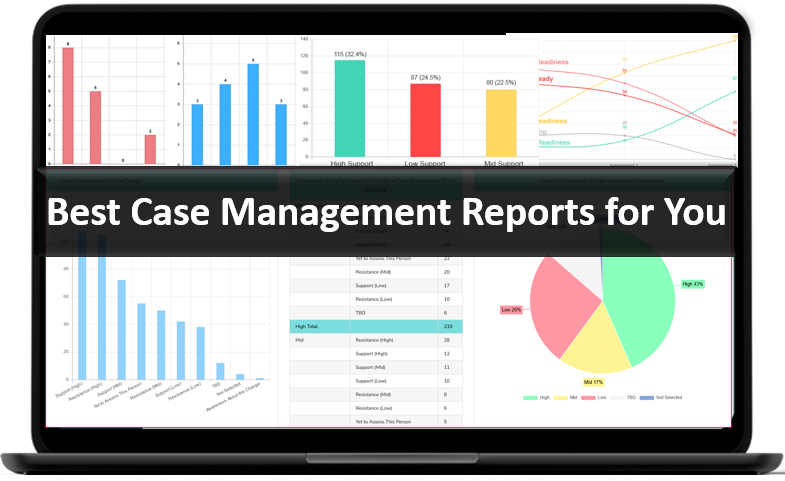
👉 Try it Free today - No credit card needed
How to Measure Success After the Migration
Once the new platform is live, your organization should define success in measurable terms. This helps confirm whether the migration has improved efficiency and service delivery, not just changed where records are stored.
Metrics worth tracking
- Time required to enter and retrieve client information
- Time required to generate reports
- Reduction in duplicate or incomplete records
- Staff adoption rates and active usage
- On-time completion of follow-ups, tasks, or service documentation
- Improved visibility into outcomes, services, and caseload performance
Organizations often discover that the biggest gains are not just in data management. They also appear in accountability, reporting quality, staff coordination, and the ability to scale services more confidently.
Final Thoughts on Replacing Spreadsheets with a Case Management System
If your team is still relying on spreadsheets to manage client services, notes, referrals, and reporting, there is a good chance your current process is costing more time and creating more risk than you realize. The move from Excel to case management software is not simply a technology decision. It is an operational strategy that helps organizations improve consistency, visibility, and service quality.
The most effective path forward is a structured one. Audit your spreadsheets, define requirements clearly, clean your data, map fields carefully, test the migration, and train your staff thoroughly. That approach gives your organization the best chance of a smooth transition and long-term success.
For organizations ready to centralize client data from spreadsheets into one system, modern case management software offers a more secure, scalable, and practical foundation for growth. When implemented well, it replaces fragmented manual tracking with a unified workflow that supports both staff efficiency and better client outcomes.
👉 Try it free today - No credit card needed
FAQ: Replacing Spreadsheets With a Case Management System
How do you replace spreadsheets with case management software?
To replace spreadsheets with case management software, organizations should audit their current files, clean and standardize data, map fields into the new platform, test the migration, and train staff before going live. This step-by-step approach helps reduce errors and improves adoption.
Why is a case management system better than spreadsheets?
A case management system is better than spreadsheets because it centralizes client data, improves reporting, supports team collaboration, and reduces manual work. It also gives organizations a more secure and scalable way to manage cases, notes, tasks, and outcomes.
Can Excel data be imported into a case management system?
Yes, most modern case management platforms allow organizations to import Excel data into the system. This usually involves cleaning the spreadsheet, matching columns to system fields, and testing the import to make sure client records transfer accurately.
What are the biggest risks of using spreadsheets for case management?
The biggest risks of using spreadsheets for case management include duplicate records, reporting delays, data entry errors, limited collaboration, and weaker protection for sensitive client information. These issues often grow as caseloads and team size increase.
What should organizations look for in case management software when replacing spreadsheets?
Organizations should look for case management software with Excel import tools, customizable fields, reporting features, task tracking, strong security, and an easy-to-use interface. A good platform should also support long-term growth and help centralize client data in one place.
Find the Right Case Management Solution for Your Organization: All-in-One Case Management Resource Center.
Note: Content on this casemanagementhub.org site is copyrighted and protected under applicable copyright laws. Read Terms of Use.
Disclaimer: Case Management Hub is an educational resource and software provider site. Our content is not medical advice. Use of this site does not create a provider-patient relationship. Read our full disclaimer here: Case Management Hub Disclaimer.