
How to Replace Excel for Case Management
Many organizations begin with spreadsheets because Excel feels familiar, low cost, and easy to launch. At first, it may seem like a practical way to track clients, services, notes, referrals, deadlines, and outcomes.
Over time, however, the same spreadsheet system often becomes harder to manage, harder to secure, and harder to scale. As client records grow, reporting needs increase, and more staff need access, Excel can quickly create bottlenecks that slow down service delivery.
If your team is searching for an Excel alternative for case management, this guide explains how to replace Excel for case management with a more structured, secure, and scalable system. You will learn why organizations move from spreadsheets to case management software, how to evaluate the right solution, and what steps make the transition smoother.
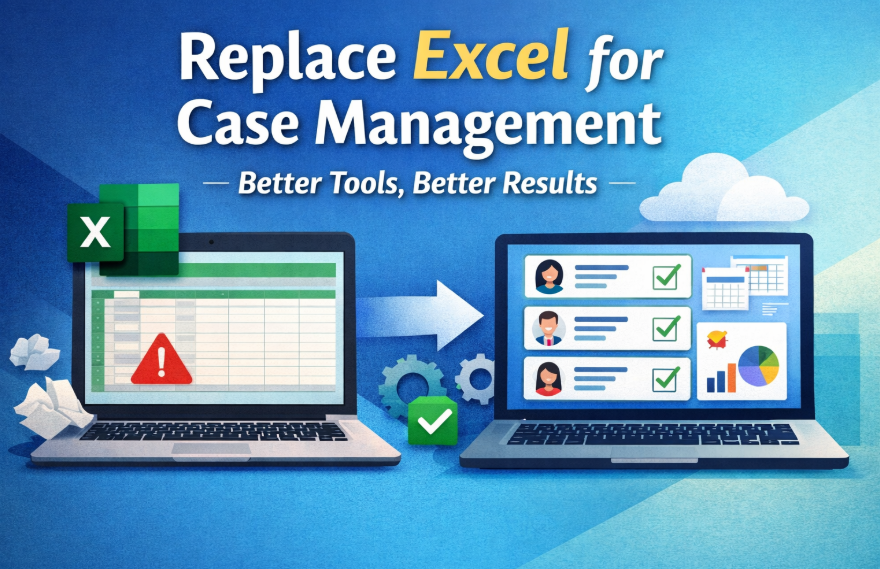
Why Excel Stops Working for Modern Case Management
Excel can help organize basic information, but case management is rarely basic for long. Most organizations eventually need a centralized case management platform that supports real-time collaboration, secure documentation, reporting, and workflow consistency. Spreadsheets were not built for the full demands of client tracking, service delivery, compliance, and operational visibility.
Common limitations of Excel for case management
- Multiple spreadsheet versions create confusion about which file is current
- Manual data entry increases the risk of errors and duplicate records
- Client notes, forms, and supporting documents are often stored in separate places
- Reporting requires manual sorting, formulas, and cleanup
- Access controls are limited compared with a true case management system
- It becomes difficult to coordinate across teams, programs, or locations
Why these problems matter
Spreadsheet case management problems do not just create inconvenience. They can affect client experience, reporting accuracy, staff productivity, and program outcomes. When case managers spend too much time searching for records, updating files, or correcting mistakes, they have less time for direct service and follow-up. That is why many organizations eventually start looking for the best case management software to replace Excel.
💡All-in-one Case Management Software.
Everything in one place: clients, notes, forms, appointments, reports, and outcomes.
👉 Try it Free - No credit card needed
Excel vs Case Management Software
For organizations evaluating Excel vs case management software, the core difference is purpose. Excel is a general spreadsheet tool. Case management software is designed specifically to manage client records, service workflows, forms, notes, reporting, and collaboration in one structured environment.
The comparison below highlights why many teams decide to move from spreadsheets to case management software once their work becomes more complex.
| Category | Excel | Case Management Software | Why It Matters |
|---|---|---|---|
| Data organization | Spread across files, tabs, and folders | Centralized client records in one system | Teams can find information faster and reduce confusion |
| Documentation | Notes and documents often stored separately | Notes, forms, files, and activity history linked to each client | Improves continuity of care and record accuracy |
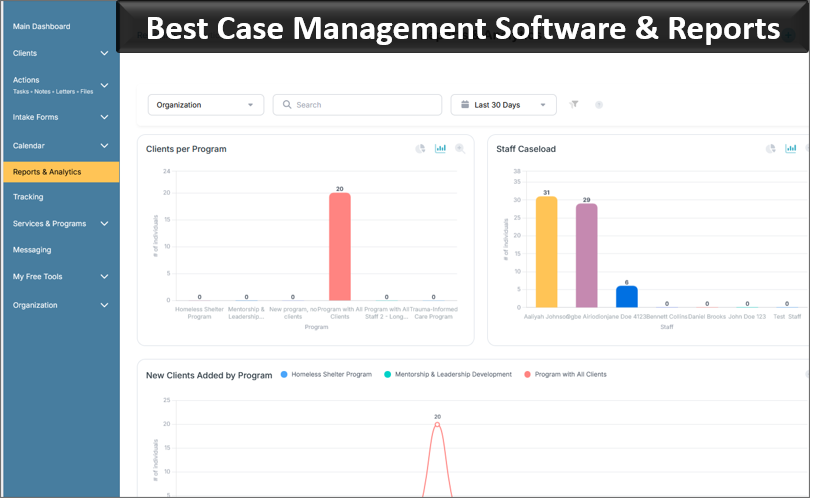
| Reporting | Manual formulas, filters, and cleanup | Built-in reporting and analytics | Saves time and improves decision-making |
| Security and scale | Limited security and difficult growth management | Role-based access, better data control, and scalable workflows | Supports compliance and organizational growth |
This shift is not only about technology. It is about replacing a fragile manual process with an all-in-one case management solution that better supports staff, leadership, and clients.
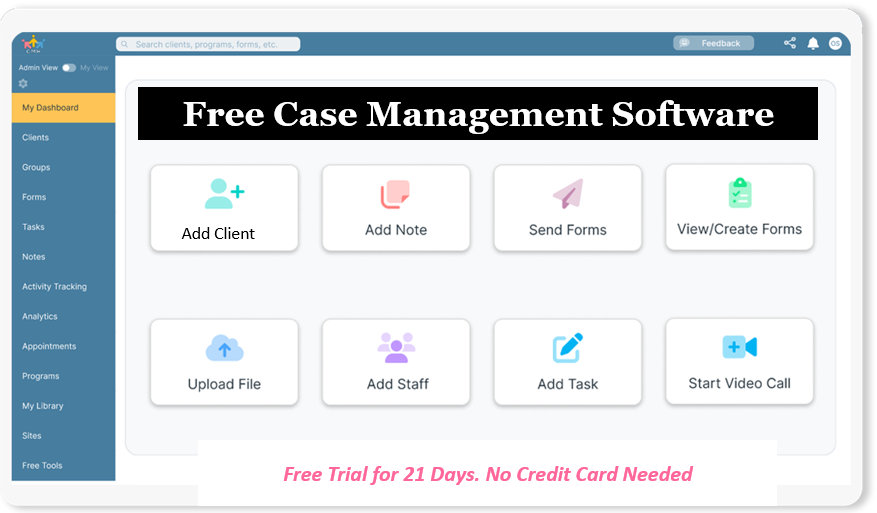
👉 Try it Free - Free Case Management System
Signs Your Organization Has Outgrown Spreadsheets
Many teams do not realize how much time they are losing until they compare their current process with a centralized system. If any of the following issues sound familiar, your organization may be ready to replace Excel for case management.
- Staff are updating separate spreadsheets for the same program or client population
- You rely on email chains or shared folders to locate notes and documents
- Reporting takes hours of manual work each week or month
- Follow-ups, referrals, or deadlines are being missed
- Your programs are growing faster than your current workflow can handle
- You need a HIPAA-compliant case management software option or stronger privacy controls
- Leadership needs cleaner data for grant reporting, outcomes, or operational planning
If these challenges are becoming routine, the question is no longer whether Excel has limitations. The real question is how to stop using Excel for client tracking without disrupting your team.
What to Look for in an Excel Alternative for Case Management
Choosing the right platform requires more than replacing a spreadsheet with another database. The right solution should align with how your organization actually works. A strong Excel alternative for case management should help your team save time, improve accuracy, and create more consistent service delivery.
Essential capabilities to prioritize
- Centralized client profiles that keep records, notes, forms, and files together
- Client tracking software with notes and forms for consistent documentation
- Case management software with reporting and analytics for outcomes and performance tracking
- Role-based permissions for staff, supervisors, and administrators
- Workflow automation for reminders, tasks, and recurring processes
- Import tools to move existing spreadsheet data into the new system
- Cloud-based access for teams working across sites or remotely
- Scalable case management software for growing organizations with multiple programs or locations
Questions to ask before selecting a platform
- Can the system handle our current workflows without excessive customization?
- How easy is it for staff to learn and adopt?
- Can we track services, notes, outcomes, and referrals in one place?
- Does the system improve visibility for supervisors and program leaders?
- Will the platform still meet our needs as we grow?
The best case management software to replace Excel is not the one with the longest feature list. It is the one that helps your organization work more effectively every day.
🔥Still using spreadsheets for case management?
Switch to an all-in-one case management platform.
👉 Try it Free - No credit card needed
How to Replace Excel for Case Management Step by Step
A successful transition depends on planning, prioritization, and adoption. Many organizations worry that replacing spreadsheets will be disruptive, but the process becomes much easier when broken into manageable steps.
Step 1: Audit your current spreadsheet process
Identify every spreadsheet currently used for case management. Document what each file tracks, who maintains it, how often it is updated, and what problems it creates. This helps reveal duplicated effort, reporting gaps, and data quality issues.
Step 2: Map your core workflows
List the activities your new system must support. These may include intake, assessments, service plans, progress notes, task tracking, referrals, document storage, and reporting. This is where many organizations realize they need more than a simple database.
Step 3: Clean your data before migration
Before importing data, remove duplicate records, standardize fields, correct obvious errors, and archive information you no longer need. Clean data makes your new case management system more reliable from the start.
Step 4: Prioritize must-have features
Focus on the features your team will use most often. For many organizations, the essentials include a centralized case management platform, reporting tools, forms, secure notes, and workflow automation.
Step 5: Train staff around real tasks
Instead of generic training, show each role how to complete daily work in the new system. Case managers, supervisors, and administrators should learn based on their real responsibilities. This improves confidence and speeds adoption.
Step 6: Launch in phases when needed
Some organizations prefer a full switch, while others move in stages. A phased rollout can start with one program, one office, or one workflow before expanding. This approach can reduce risk and uncover process improvements early.
Step 7: Measure results after implementation
Track time saved, report turnaround, documentation consistency, and staff satisfaction. The goal is not simply to replace Excel. It is to create a better operating model for service delivery and data management.
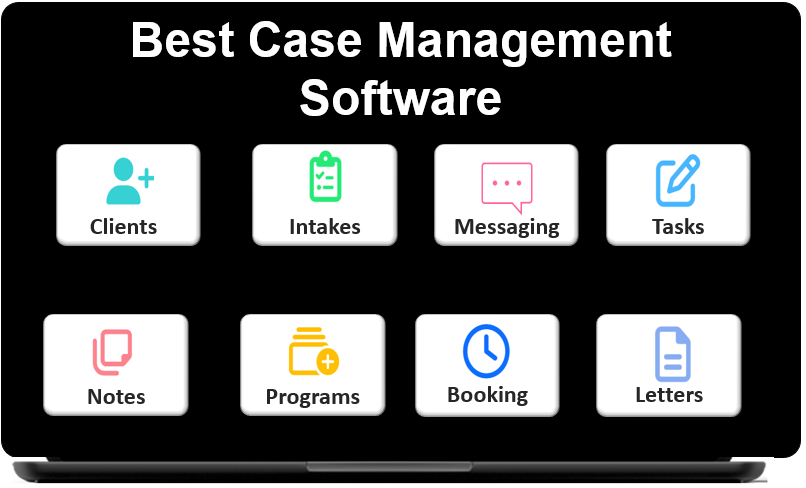 👉 Try it free today - No credit card needed
The Benefits of Moving from Spreadsheets to Case Management Software
Organizations that move from spreadsheets to case management software usually see gains across operations, reporting, and service quality. The right system reduces administrative friction and makes information more useful.
Operational benefits
- Less manual entry and fewer duplicate records
- Faster access to client histories and documents
- More consistent processes across staff and programs
- Better accountability for tasks and follow-ups
Strategic benefits
- Stronger reporting for funders, leadership, and compliance needs
- Cleaner data for tracking services, outputs, and outcomes
- Greater visibility into program performance
- A more scalable foundation for growth
Client service benefits
When records are easier to access and workflows are more organized, staff can spend more time supporting clients and less time managing disconnected systems. This leads to better responsiveness, better continuity, and better service coordination.
How a Cloud-Based Case Management System Improves Daily Work
A cloud-based case management system for nonprofits, social services teams, healthcare providers, and other service organizations offers practical advantages that spreadsheets cannot match. Because the system is centralized, updates happen in one place and become visible to the right people without the need to send files back and forth.
What daily work looks like after the switch
- Staff open one platform instead of juggling multiple spreadsheets and folders
- Client interactions are documented in a structured, searchable way
- Supervisors can monitor caseloads, task completion, and program activity more easily
- Reports can be generated without rebuilding formulas every time
- Organizations gain a clearer picture of trends, service delivery, and outcomes
For teams that need digital case management tools for social services, this kind of structure can significantly improve efficiency while reducing reliance on manual workarounds.
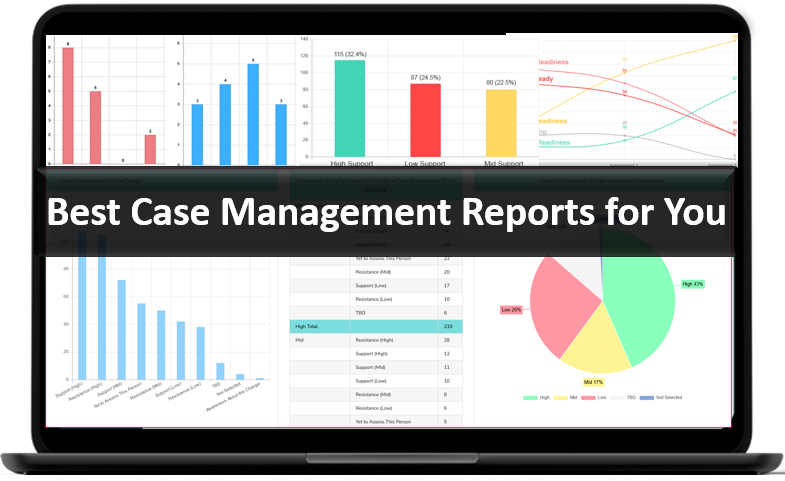
👉 Try it Free today - No credit card needed
Avoiding Common Mistakes During the Transition
Even strong software will underperform if implementation is rushed or poorly aligned with staff needs. To get the most value from your new system, avoid these common mistakes.
- Do not migrate bad data without reviewing it first
- Do not choose software based only on price without evaluating usability
- Do not ignore reporting requirements during system selection
- Do not assume staff will adopt the system without role-based training
- Do not recreate every spreadsheet habit if a better workflow is available
The goal is not to build a digital version of the same spreadsheet problem. The goal is to move into a better, more structured way of managing cases, services, and outcomes.
Final Thoughts
Excel may be a useful starting point, but it is not designed to support the long-term demands of case management. As organizations grow, the need for stronger documentation, cleaner reporting, better collaboration, and tighter data control becomes more urgent. That is why many teams eventually look for an Excel alternative for case management that can support both current operations and future growth.
Replacing spreadsheets with a centralized case management platform can help your organization reduce manual work, improve consistency, and deliver better service. Whether you are searching for client tracking software with notes and forms, case management software with workflow automation, or scalable case management software for growing organizations, the right system can create lasting improvements across your entire operation.
For organizations still deciding between Excel vs case management software, the fastest way to evaluate the difference is simple: look at how much time your current process takes, how often information gets missed, and how hard it is to produce reliable reports. In most cases, the answer points toward a better system.
👉 Try it free today - No credit card needed
FAQ: How to Replace Excel for Case Management
What is the best Excel alternative for case management?
The best Excel alternative for case management is a centralized case management software platform that helps organizations manage client records, notes, forms, reporting, and workflows in one place. It gives teams more structure, better visibility, and stronger data control than spreadsheets.
Why should organizations replace Excel for case management?
Organizations should replace Excel for case management when spreadsheets become difficult to manage, reporting takes too long, and client information is spread across multiple files. A modern case management system improves efficiency, reduces errors, and supports better service delivery.
How does case management software compare to Excel?
When comparing Excel vs case management software, the main difference is that case management software is built for client tracking, documentation, reporting, and collaboration. Excel can store data, but it lacks the structure, automation, and scalability most organizations need.
What features should case management software include?
Case management software should include centralized client profiles, secure notes, digital forms, reporting and analytics, task tracking, and workflow automation. For many organizations, cloud-based access and scalable permissions are also essential.
How do you move from spreadsheets to case management software?
To move from spreadsheets to case management software, organizations should review current workflows, clean existing data, choose a platform that matches their needs, import records carefully, and train staff using real day-to-day tasks. A phased rollout can make the transition easier and more effective.
Find the Right Case Management Solution for Your Organization: All-in-One Case Management Resource Center.
Note: Content on this casemanagementhub.org site is copyrighted and protected under applicable copyright laws. Read Terms of Use.
Disclaimer: Case Management Hub is an educational resource and software provider site. Our content is not medical advice. Use of this site does not create a provider-patient relationship. Read our full disclaimer here: Case Management Hub Disclaimer.