
How to Organize Case Notes for Faster Documentation and Reporting
Organized case notes are essential for efficient documentation, accurate reporting, stronger compliance, and better client service. When notes are inconsistent, scattered across systems, or difficult to retrieve, organizations lose time, reporting becomes harder, and staff spend too much energy on administrative work instead of client support.
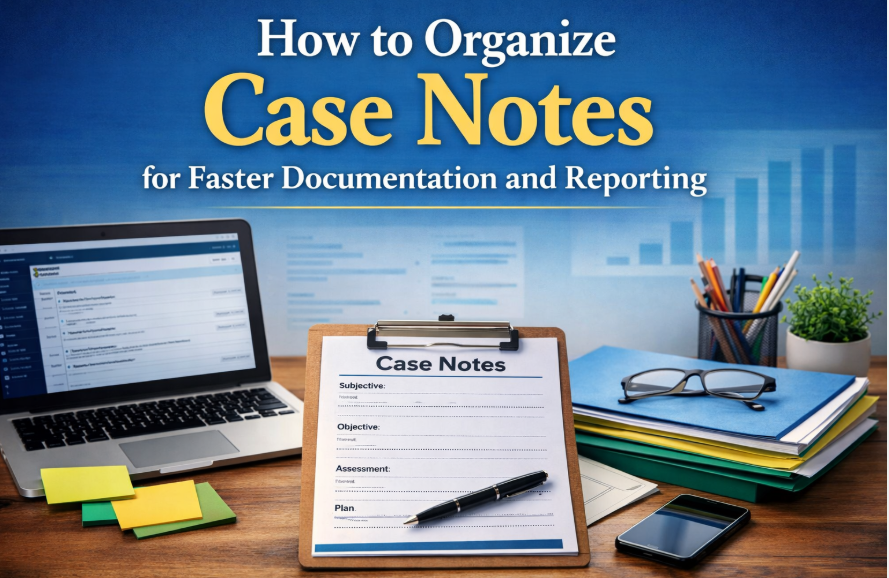
A clear case note organization system helps teams document faster, find information quickly, reduce duplication, and generate reports with less effort. This guide explains how to organize case notes using practical strategies that improve day to day workflows and make reporting more reliable.
Why Case Note Organization Matters
Case notes are more than a record of interactions. They support continuity of care, team coordination, billing support, compliance, program evaluation, and outcome tracking. When organizations improve case note organization best practices, they create a stronger foundation for every part of their service delivery model.
Disorganized notes often create avoidable problems. Staff may struggle to locate important details, miss follow-up tasks, duplicate work, or spend hours preparing information for audits and reports. In contrast, an organized client documentation management system gives teams a faster, cleaner way to work.
- Faster retrieval of client information
- More consistent documentation across staff
- Improved reporting accuracy
- Stronger compliance and audit readiness
- Better collaboration across programs and teams
For organizations trying to reduce time spent on case notes, better organization is one of the most effective improvements they can make.
💡All-in-one Case Management Software.
Everything in one place: clients, notes, forms, appointments, reports, and outcomes.
👉 Try it Free - No credit card needed
Start With a Standardized Case Note Structure
One of the most important steps in learning how to organize case notes is to create a consistent structure. Without a standard format, each staff member may document differently, which makes notes harder to read, compare, and report on. Standardization improves quality and supports faster documentation.
Common case note formats
- SOAP: Subjective, Objective, Assessment, Plan
- DAP: Data, Assessment, Plan
- BIRP: Behavior, Intervention, Response, Plan
- Narrative notes: Flexible format for descriptive documentation when structure is still guided by organizational standards
The best way to structure case notes in case management depends on your services, documentation requirements, and reporting goals. What matters most is choosing a format that can be used consistently across your organization.
What every note should include
- Date and time of service or interaction
- Type of contact or service provided
- Relevant observations and client updates
- Actions taken by staff
- Next steps, referrals, or follow-up plan
Using clear case note templates and formats reduces inconsistency and makes it much easier to improve case note documentation efficiency over time.
Create Categories That Make Reporting Easier
Well-organized documentation is not just about writing better notes. It is also about making notes sortable, searchable, and reportable. Categorization is a major part of an effective case management documentation workflow because it helps organizations group notes by purpose and retrieve them quickly.
Useful note categories
- Intake notes
- Progress notes
- Follow-up notes
- Assessment notes
- Incident notes
- Discharge or closure notes
- Group service notes
Organizations can also use tags or metadata to improve visibility. For example, staff can tag notes by program, location, service type, funding source, assigned case manager, or client status. This approach is especially helpful for organizations handling high caseloads and looking for better ways to manage large caseload documentation.
When notes are categorized correctly, reporting becomes faster because staff can filter records instead of manually reviewing large volumes of unstructured text.
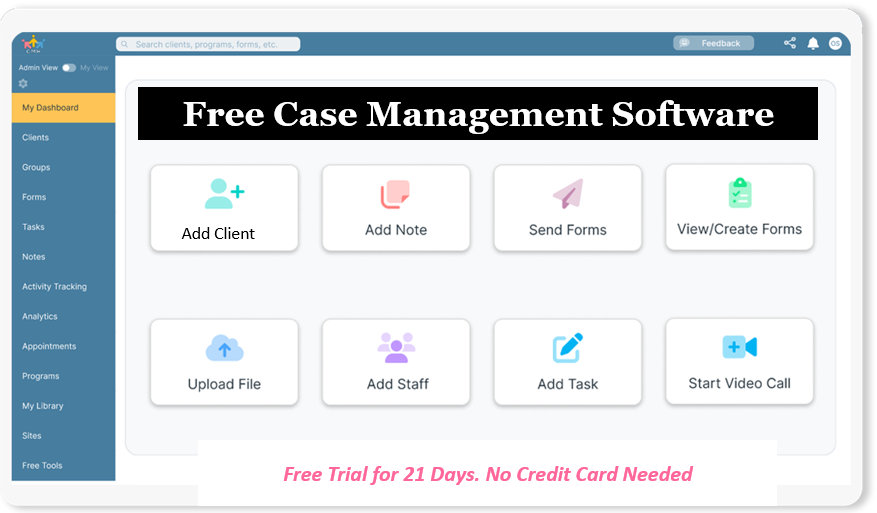
👉 Try it Free - Free Case Management System
Centralize Notes in One Documentation System
Many documentation problems come from using too many tools. Notes may be split between paper files, spreadsheets, email threads, Word documents, and disconnected systems. This creates delays, confusion, and reporting problems. One of the best ways to organize case notes for faster reporting is to centralize everything in one secure digital system.
A centralized client documentation management system helps organizations standardize workflows and maintain visibility across teams. It also makes it easier to track services, review progress, and prepare reports without searching through multiple sources.
Benefits of centralized documentation
- One place for all client notes and supporting records
- Less duplication and fewer version control issues
- Faster search and filtering
- Better coordination among staff
- Stronger data quality for reporting and analytics
Digital case note organization tools are especially valuable for organizations that need secure, structured, and scalable workflows. They help replace manual processes with a more reliable case management reporting and documentation system.
Use Naming Conventions and Consistent Formatting
Clear formatting rules help staff locate notes quickly and reduce confusion. A note title such as “meeting” provides very little value. A title such as “2026-04-12 Progress Note Housing Follow-Up” gives immediate clarity and makes the note easier to find later.
Consistent formatting also improves readability. Staff should know exactly where to look for presenting concerns, interventions, outcomes, and next steps. This becomes especially important when multiple team members work with the same client file.
Formatting guidelines to adopt
- Use a consistent date format across all notes
- Define approved abbreviations and terminology
- Use the same heading order within templates
- Keep language objective, specific, and concise
- Separate observations, actions, and next steps clearly
These simple practices support stronger progress notes organization strategies and help teams avoid messy case documentation.
🔥Still using spreadsheets for case management?
Switch to an all-in-one case management platform.
👉 Try it Free - No credit card needed
Document in Real Time to Reduce Backlogs
Real-time documentation is one of the most effective ways to streamline case notes in social work and related fields. The longer staff wait to document, the more likely they are to forget key details, introduce errors, or create backlogs that are difficult to catch up on.
Organizations that want to reduce time spent on case notes should make real-time entry part of standard practice whenever possible. Mobile access, quick note templates, and guided prompts can all help staff document efficiently while the interaction is still fresh.
How to support real-time note entry
- Provide staff with mobile-friendly documentation tools
- Use brief templates for common service types
- Train staff to capture essential facts first
- Create workflow expectations for same-day documentation
- Review note completion rates regularly
This is one of the most practical tools to organize case notes efficiently because it prevents problems before they build up.
Build Templates That Match Daily Workflows
Templates help staff document quickly and thoroughly. They reduce the burden of starting from scratch and ensure that important data points are captured every time. A step-by-step guide to organizing client case notes should always include template design because templates directly affect efficiency, quality, and reporting.
The most effective templates are practical. They should reflect real service workflows rather than forcing staff into overly complex documentation patterns.
Elements of an effective note template
- Service date and staff name
- Contact type and duration
- Reason for contact
- Interventions provided
- Client response or progress update
- Barriers, risks, or urgent issues
- Action plan and follow-up tasks
Templates can also be customized by program or service type. For example, intake templates may prioritize demographics and presenting needs, while follow-up templates may focus on goals, referrals, and status changes.
Organizations that improve case note documentation efficiency usually do so by making templates simpler, more focused, and more aligned with reporting needs.
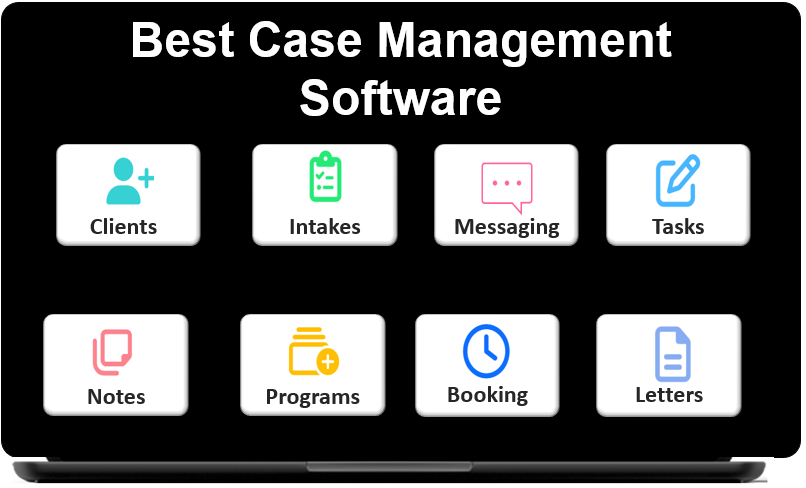 👉 Try it free today - No credit card needed
Align Documentation With Reporting Requirements
A common mistake is treating case notes and reporting as separate tasks. In reality, documentation should be designed with reporting in mind. If notes do not capture the right fields, staff may need to manually review files later to prepare reports. That approach is slow and difficult to scale.
Organizations should identify what they need to measure and then structure case notes to support that reporting. This may include service counts, contact dates, referral outcomes, progress against goals, attendance, discharge reasons, or other program-specific metrics.
Questions to ask when designing notes for reporting
- What information do we report regularly?
- Which data points should be captured in structured fields?
- What categories or tags would improve filtering?
- Which note types need stronger consistency?
- What information is currently hard to extract?
When documentation and reporting are aligned, organizations can generate reports faster, improve data accuracy, and strengthen decision-making. That is a major part of organizing case notes for faster reporting.
Comparison Table: Disorganized vs Organized Case Notes
The table below highlights how stronger documentation systems improve speed, quality, and reporting outcomes. This comparison is useful for organizations evaluating how to improve current workflows.
| Area | Disorganized Approach | Organized Approach | Operational Benefit |
|---|---|---|---|
| Note format | Each staff member writes notes differently | Templates and standardized structure are used | Improves consistency and review speed |
| Storage location | Notes are split across paper, files, and email | All notes are stored in one system | Reduces search time and duplication |
| Reporting readiness | Data must be cleaned manually before reporting | Notes use structured fields and categories | Speeds up reporting and improves accuracy |
| Staff workload | Backlogs grow and staff re-enter information | Staff document in real time using templates | Reduces delays and administrative burden |
For organizations comparing current workflows, the fastest gains usually come from standardization, centralization, and better note design for reporting.
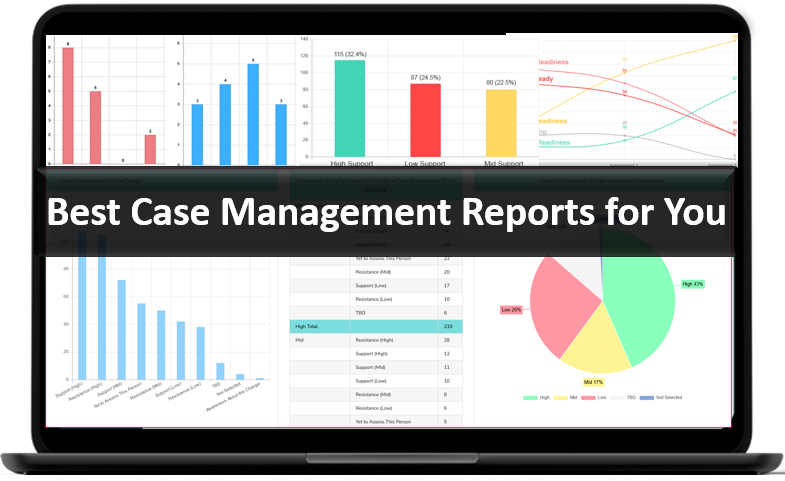
👉 Try it Free today - No credit card needed
Common Documentation Problems and How to Fix Them
Many teams know their documentation process is inefficient, but they are not always sure what to change first. The most effective improvements usually come from fixing a few repeat issues that create the majority of delays.
Frequent issues
- Notes are entered late and details are missed
- Staff use inconsistent language and formats
- Important data is buried in narrative text
- Notes are difficult to sort by service type or program
- Reporting requires manual review of many files
Practical fixes
- Create a standard note template for each major workflow
- Set expectations for same-day note completion
- Use categories and tags to improve sorting
- Add required fields for reportable information
- Review documentation quality during supervision
These improvements help fix disorganized case notes in case management without requiring a complete process overhaul on day one.
Best Practices for Long-Term Documentation Success
Sustainable improvement requires more than a one-time cleanup. Organizations need a documentation system that can support staff growth, program changes, and new reporting requirements over time. The strongest case note organization best practices are repeatable and easy to maintain.
Long-term strategies
- Train new staff on documentation standards during onboarding
- Refresh templates as workflows evolve
- Audit notes for consistency, timeliness, and completeness
- Use reporting feedback to improve documentation design
- Keep documentation policies practical and easy to follow
Organizations that treat documentation as an operational system instead of an isolated administrative task are better positioned to improve quality, reduce risk, and scale services more effectively.
👉 Try it free today - No credit card needed
Using Software to Support Faster Documentation and Reporting
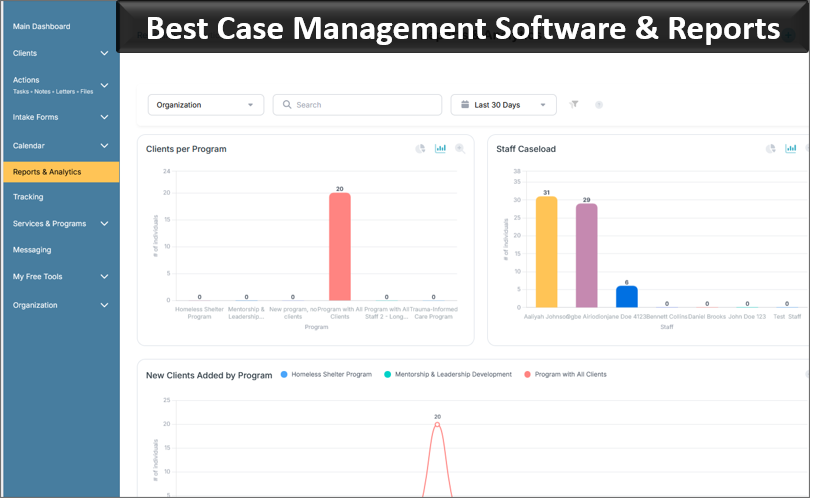
Technology can make documentation much easier when it is designed around real workflows. The right system should help staff document consistently, find records quickly, and generate reports without manual cleanup. This is where digital case note organization tools can create a major operational advantage.
Organizations often benefit from software that includes customizable note templates, client profiles, tagging, filters, exportable reports, and mobile-friendly access. These capabilities support both efficient documentation and a stronger case management reporting and documentation system.
Features that support stronger note organization
- Custom note templates and standardized note types
- Client-level and program-level filtering
- Searchable records and structured fields
- Exportable reporting tools
- Mobile access for field-based documentation
For organizations moving away from spreadsheets, paper files, or disconnected tools, the right platform can significantly improve organization, reporting readiness, and staff efficiency.
Final Thoughts
Learning how to organize case notes is one of the most practical ways to improve documentation and reporting across an organization. Standardized formats, better templates, stronger categorization, real-time entry, and centralized systems all contribute to faster workflows and better data quality.
For organizations that want to streamline case notes in social work, behavioral health, nonprofit programs, or related services, the goal is not just cleaner documentation. The goal is a system that makes work easier, supports compliance, improves reporting, and helps staff stay focused on client outcomes.
A well-designed documentation process helps teams avoid delays, reduce administrative stress, and create a more effective foundation for case management. When notes are organized well, everything that depends on them becomes easier to manage.
💡All-in-one Case Management Software.
Everything in one place: clients, notes, forms, appointments, reports, and outcomes.
👉 Try it Free - No credit card needed
FAQ: How to Organize Case Notes for Faster Documentation and Reporting
How do you organize case notes for faster documentation?
The best way to organize case notes for faster documentation is to use a standardized format, clear note categories, consistent naming conventions, and a centralized system. This helps staff document more efficiently, retrieve records quickly, and reduce delays in daily case management workflows.
What is the best way to structure case notes in case management?
The best way to structure case notes in case management is to use a consistent template such as SOAP, DAP, or BIRP. A structured format improves clarity, supports compliance, and makes case notes easier to review, track, and report on.
How can organizations improve case note documentation efficiency?
Organizations can improve case note documentation efficiency by using templates, documenting in real time, standardizing note types, and aligning notes with reporting needs. These steps reduce repetitive work and make documentation more accurate and actionable.
Why is case note organization important for reporting?
Case note organization is important for reporting because well-structured notes make it easier to filter data, track services, and generate accurate reports. When case notes are disorganized, reporting takes longer and staff often need to manually clean up information.
What tools help organize case notes efficiently?
Digital case note organization tools help organizations organize notes efficiently by centralizing client records, supporting custom templates, enabling quick search, and simplifying reporting. The right case management software can replace spreadsheets and disconnected files with a more streamlined documentation system.
Find the Right Case Management Solution for Your Organization: All-in-One Case Management Resource Center.
Note: Content on this casemanagementhub.org site is copyrighted and protected under applicable copyright laws. Read Terms of Use.
Disclaimer: Case Management Hub is an educational resource and software provider site. Our content is not medical advice. Use of this site does not create a provider-patient relationship. Read our full disclaimer here: Case Management Hub Disclaimer.