
How to Convert Paper Intake Forms to Digital Without Data Loss
Organizations across social services, healthcare, education, nonprofit programs, behavioral health, and community-based services are under growing pressure to improve speed, accuracy, and compliance in the way they collect information.
Many teams still rely on paper forms, spreadsheets, email attachments, and manual data entry, which often leads to delays, duplicate work, incomplete records, and costly mistakes. A well-designed digital intake process solves these problems by helping organizations capture information faster, standardize workflows, and improve data quality from the first interaction.

This guide explains how to digitize intake forms step by step while protecting accuracy, reducing administrative burden, and creating a more efficient client onboarding experience. It also covers the best way to collect client data digitally, how to reduce errors in data entry, what to look for in client data collection software, and how to build a paperless intake process that supports long-term growth.
💡All-in-one Case Management Software.
Everything in one place: clients, notes, forms, appointments, reports, and outcomes.
👉 Try it Free - No credit card needed
Why Organizations Are Replacing Paper Intake Processes
A traditional intake process usually involves printed forms, handwritten responses, scanning, follow-up calls, and manual re-entry into spreadsheets or internal systems. Every one of those steps creates friction. Staff spend time deciphering handwriting, correcting missing information, chasing signatures, and fixing inconsistencies that should have been prevented at the point of entry.
By moving to digital client intake forms, organizations can streamline intake, improve turnaround time, and capture cleaner data from the start. This is especially important for teams that need to move quickly while maintaining strong documentation standards. Whether an organization is handling referrals, admissions, assessments, case management, service enrollment, or program registration, a digital process creates a more reliable operational foundation.
Common problems with paper-based intake
- Incomplete responses and missing signatures
- Manual data entry errors
- Duplicate client records
- Slow intake processing and delayed services
- Limited visibility across teams and locations
- Weak reporting and inconsistent data formats
What a paperless intake process improves
- Faster intake completion and submission
- More accurate client data collection methods
- Better consistency across forms and staff users
- Stronger compliance and recordkeeping
- Easier reporting, filtering, and analysis
How to Digitize Intake Forms Step by Step
Organizations that want a successful transition should avoid simply copying a paper form into a digital screen without rethinking the workflow. A more effective strategy is to redesign the intake process around accuracy, usability, and operational efficiency. The steps below provide a practical framework for building a digital system that works.
1. Audit your current forms and workflows
Review every intake form currently in use and identify what information is essential, what is duplicated, and what frequently causes confusion. Map where intake data currently goes after submission, who uses it, and where errors typically occur. This step helps organizations determine how to convert paper forms to digital forms without carrying over unnecessary complexity.
2. Standardize data fields
Accuracy improves when fields are standardized. Dates, phone numbers, service categories, program names, locations, and demographic fields should follow consistent formats. Dropdowns, radio buttons, and checkboxes often produce cleaner data than open-text responses.
3. Build digital forms around usability
The best online intake forms for clients are easy to understand, mobile-friendly, and logically organized. Questions should flow in a way that feels natural. Related fields should be grouped together, and long forms should be broken into sections where possible.
4. Add validation rules
Data validation in online forms is one of the most important safeguards against bad information. Required fields, format validation, conditional logic, and error prompts help catch problems before submission.
5. Connect forms to a central system
To avoid duplicate entry, forms should feed directly into a client intake management system or case management platform. This reduces the need for staff to re-enter data manually and improves visibility across teams.
6. Test before full rollout
Pilot your digital forms with staff and real-world scenarios. Evaluate how long forms take to complete, where users get stuck, and whether data populates correctly into the destination records and reports.
- Inventory all current paper and spreadsheet intake tools
- Remove duplicate and low-value fields
- Design digital client intake forms with a clean structure
- Apply validation and required fields
- Map form fields into client records and reporting fields
- Pilot, refine, and then launch organization-wide
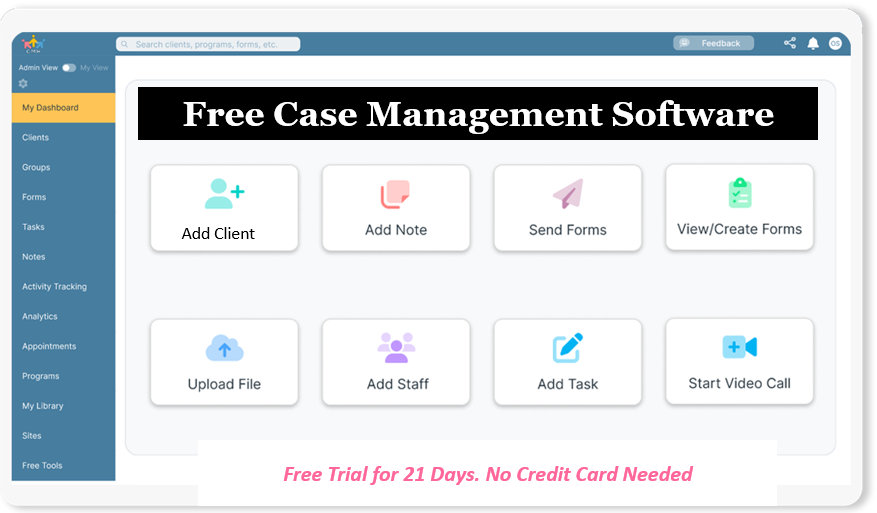
👉 Try it Free - Free Case Management System
How to Maintain Accuracy During Digital Data Collection
The biggest concern many organizations have is not whether forms can be digitized, but whether digital intake will preserve data quality. That concern is valid. Without structure, a digital system can still produce incomplete, inconsistent, or low-quality records. The solution is to build for accuracy from the beginning.
Use structured fields whenever possible
Structured fields reduce ambiguity and improve reporting. Instead of asking staff or clients to type program names or service categories manually, provide predefined options. This improves consistency and makes downstream reporting more reliable.
Limit free-text overuse
Free-text answers are useful when narrative detail is needed, but too many open fields can lower data quality. Use narrative fields selectively and rely on structured choices for fields that need to be measured, filtered, or reported later.
Prevent duplicate records
A strong digital intake process should support duplicate detection by checking for matching names, emails, phone numbers, birth dates, or internal IDs before a new record is created. This is an important strategy for organizations trying to reduce errors in data entry and maintain a clean database.
Review and monitor submission quality
Accuracy is not a one-time setup task. Teams should regularly review submission trends, identify recurring data issues, and refine forms over time. When organizations monitor common errors, they can improve both their intake process and the overall quality of client data collection.
- Require critical fields before submission
- Validate date, email, and phone formats
- Use conditional logic to show relevant questions only
- Map intake data directly into profile fields
- Review exceptions and incomplete submissions regularly
What to Look for in Client Data Collection Software
Not all client data collection software is built for operational accuracy. Some tools are useful for simple forms but lack workflow controls, field mapping, reporting, or compliance features. Organizations should evaluate solutions based on how well they support both intake and the full lifecycle of client information management.
Core capabilities to prioritize
- Customizable digital client intake forms
- Data validation in online forms
- Digital forms with auto-population features
- Role-based permissions and audit visibility
- Secure digital data collection tools with encryption
- Reporting, export, and analytics tools
- Mobile-friendly form completion
- Integration with case management software with intake forms
Why integrated systems matter
Standalone form tools can work for basic needs, but organizations with growing caseloads or multi-step service workflows often benefit more from a connected platform. A client intake management system that links forms to records, notes, tasks, reporting, and communication reduces fragmentation and improves operational control.
For organizations comparing case management software with intake forms against disconnected form builders, the fastest path to better efficiency is usually a system that centralizes intake and ongoing documentation in one place.
🔥Still using spreadsheets for case management?
Switch to an all-in-one case management platform.
👉 Try it Free - No credit card needed
Comparison Table: Paper Intake vs Digital Intake
The comparison below highlights why organizations are shifting toward digital intake workflows and cloud-based client data collection platforms. A stronger digital process does not just remove paper. It improves speed, data quality, consistency, and reporting capacity.
| Area | Paper-Based Intake | Digital Intake Process | Operational Impact |
|---|---|---|---|
| Data Accuracy | Prone to handwriting issues and re-entry mistakes | Uses validation rules and required fields | Fewer errors and cleaner records |
| Processing Speed | Slow collection, scanning, and manual entry | Immediate submission into the system | Faster intake and service response |
| Reporting | Manual review and spreadsheet cleanup | Standardized data ready for reporting | Better visibility and faster analysis |
| Compliance and Security | Harder to secure and track access | Supports secure digital data collection tools and permissions | Lower compliance risk |
| Scalability | Difficult to manage across teams or locations | Easy to standardize across programs and staff | Stronger consistency and growth readiness |
Using Automation to Improve Accuracy and Efficiency
Automation is one of the most practical ways to improve both throughput and data accuracy. The right intake form automation software reduces repetitive manual work and ensures that submitted data moves to the right place without delay. This is especially valuable for organizations managing high intake volumes, recurring enrollments, or multi-step review processes.
Examples of helpful automation
- Automatically creating or updating client records after submission
- Sending confirmation messages or reminders
- Routing submissions to the correct staff or program
- Pre-populating known information into later forms
- Triggering follow-up tasks based on form responses
Digital forms with auto-population features are particularly useful when an organization collects related information across multiple touchpoints. Instead of asking a client or staff member to re-enter the same details repeatedly, the system can carry forward existing information into new forms, reducing friction and improving consistency.
When organizations are evaluating the best way to collect client data digitally, they should look beyond the form itself and consider what happens after submission. A digital process becomes significantly more powerful when it supports workflow automation as well as data capture.
 👉 Try it free today - No credit card needed
Security, Privacy, and Compliance Considerations
Accuracy is only one part of a successful intake process. Organizations also need to protect sensitive information and maintain compliance with applicable privacy standards. This is especially important in healthcare, behavioral health, case management, human services, and any environment where confidential personal information is collected.
What secure intake should include
- Encrypted data transmission and storage
- Controlled user permissions
- Audit visibility for changes and access
- Secure digital signatures where needed
- Documented retention and access practices
For healthcare and related service environments, HIPAA compliant intake forms are often a baseline requirement. Organizations should verify that their chosen system supports secure digital data collection tools and appropriate access controls before moving away from paper.
A cloud-based client data collection platform can support both access and compliance when implemented correctly. Cloud-based tools make it easier for authorized staff to work across locations while preserving centralized controls, backups, and consistent security practices.
Best Practices for Designing Better Online Intake Forms
Good form design has a direct effect on completion rates and data quality. A poorly designed digital form may still collect inaccurate or incomplete data, even if the technology is modern. Organizations should focus on clarity, logical sequencing, and simplicity.
Design principles that improve form performance
- Use plain, direct instructions for every section
- Ask only for information that is necessary
- Place high-priority fields early in the process
- Break complex intake into shorter sections
- Use conditional logic to reduce clutter
- Make forms responsive for mobile and tablet use
Organizations that want to improve online intake forms for clients should also review the language they use. Form labels should be easy to understand, and instructions should reduce hesitation. The easier it is to complete a form correctly the first time, the lower the administrative burden on staff later.
This is one reason many organizations see strong results when they pair good form design with client intake management systems that support field mapping, validation, and workflow controls.
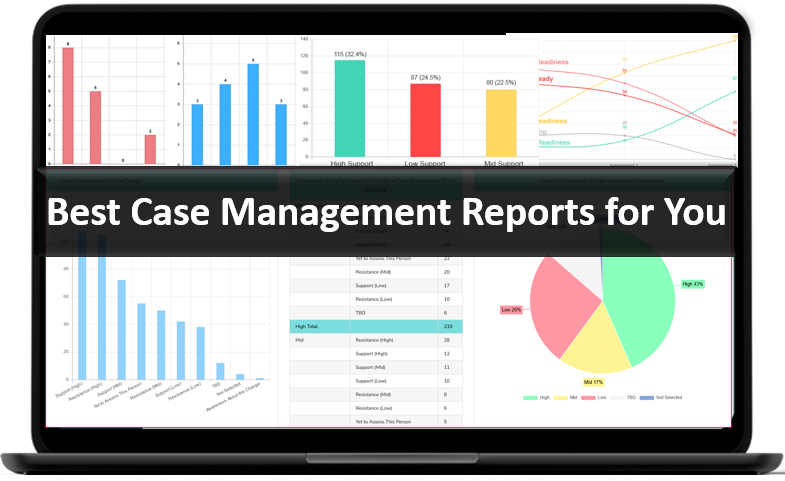
👉 Try it Free today - No credit card needed
Common Mistakes to Avoid When Moving to Digital Intake
Even well-intentioned digitization projects can fail if the process is rushed or overly focused on the technology instead of the workflow. Avoiding common mistakes helps organizations protect both efficiency and data quality.
- Copying paper forms exactly instead of improving them
- Using too many open-text fields
- Skipping data validation in online forms
- Failing to connect intake forms to a central record system
- Launching without staff testing or training
- Ignoring duplicate detection and record cleanup
- Choosing tools that cannot scale across teams or locations
Organizations that want the best results should treat digital intake as part of a broader process improvement effort. The goal is not simply to eliminate paper. The goal is to create a better intake experience, more accurate records, and a stronger operational workflow from first contact onward.
Final Thoughts on Building an Accurate Digital Intake Process
A successful digital intake strategy combines thoughtful form design, strong validation, workflow automation, and secure system architecture. When these elements work together, organizations can digitize intake forms without losing accuracy and can often improve accuracy well beyond what was possible with paper-based processes.
The strongest results come from taking a structured approach. Audit the current process, remove unnecessary friction, standardize fields, choose the right client data collection software, and connect digital intake to a broader case management or service delivery workflow. That is how organizations move from manual intake to a scalable, reliable, and data-driven operation.
For organizations looking for a practical path forward, the best way to collect client data digitally is to use a system built for accuracy, security, and operational visibility from the start. That approach reduces manual work, strengthens data quality, and creates a more efficient intake process for both staff and clients.
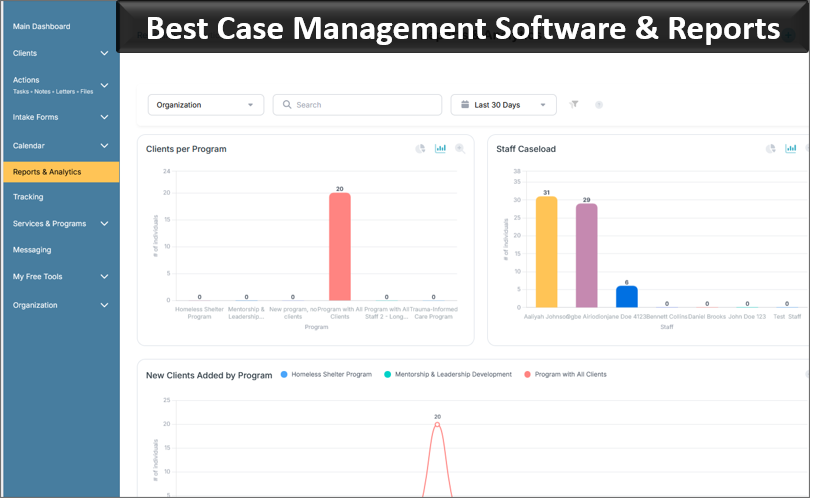
👉 Try it free today - No credit card needed
FAQ: Digitizing Intake Forms and Client Data Collection
What is the best way to digitize intake forms without losing accuracy?
The best way to digitize intake forms without losing accuracy is to standardize your fields, use data validation in online forms, and connect submissions directly to a client intake management system. This reduces manual entry, prevents missing information, and improves consistency across records.
How do digital client intake forms reduce data entry errors?
Digital client intake forms reduce data entry errors by using required fields, dropdowns, conditional logic, and format validation for details like phone numbers, dates, and email addresses. These controls help organizations collect cleaner and more reliable information from the start.
What features should client data collection software include?
Client data collection software should include customizable online intake forms, secure digital data collection tools, auto-population features, reporting, mobile access, and workflow automation. These features help organizations improve efficiency, accuracy, and long-term scalability.
Why is a paperless intake process better than paper forms?
A paperless intake process is better than paper forms because it speeds up submission, improves data accuracy, strengthens security, and makes reporting easier. It also helps organizations reduce administrative work and centralize client information in one system.
Are HIPAA compliant intake forms important for digital data collection?
Yes, HIPAA compliant intake forms are important for organizations that collect sensitive health or personal information. They help protect privacy, support secure digital data collection, and ensure that client information is stored and shared in a compliant way.
Find the Right Case Management Solution for Your Organization: All-in-One Case Management Resource Center.
Note: Content on this casemanagementhub.org site is copyrighted and protected under applicable copyright laws. Read Terms of Use.
Disclaimer: Case Management Hub is an educational resource and software provider site. Our content is not medical advice. Use of this site does not create a provider-patient relationship. Read our full disclaimer here: Case Management Hub Disclaimer.